Tap any heading to open it. Everything below is also spoken out loud inside the game, so your child never has to read a word. This page is for the grown-ups.
🎮 How to play
🐕Starting the game and picking your dog
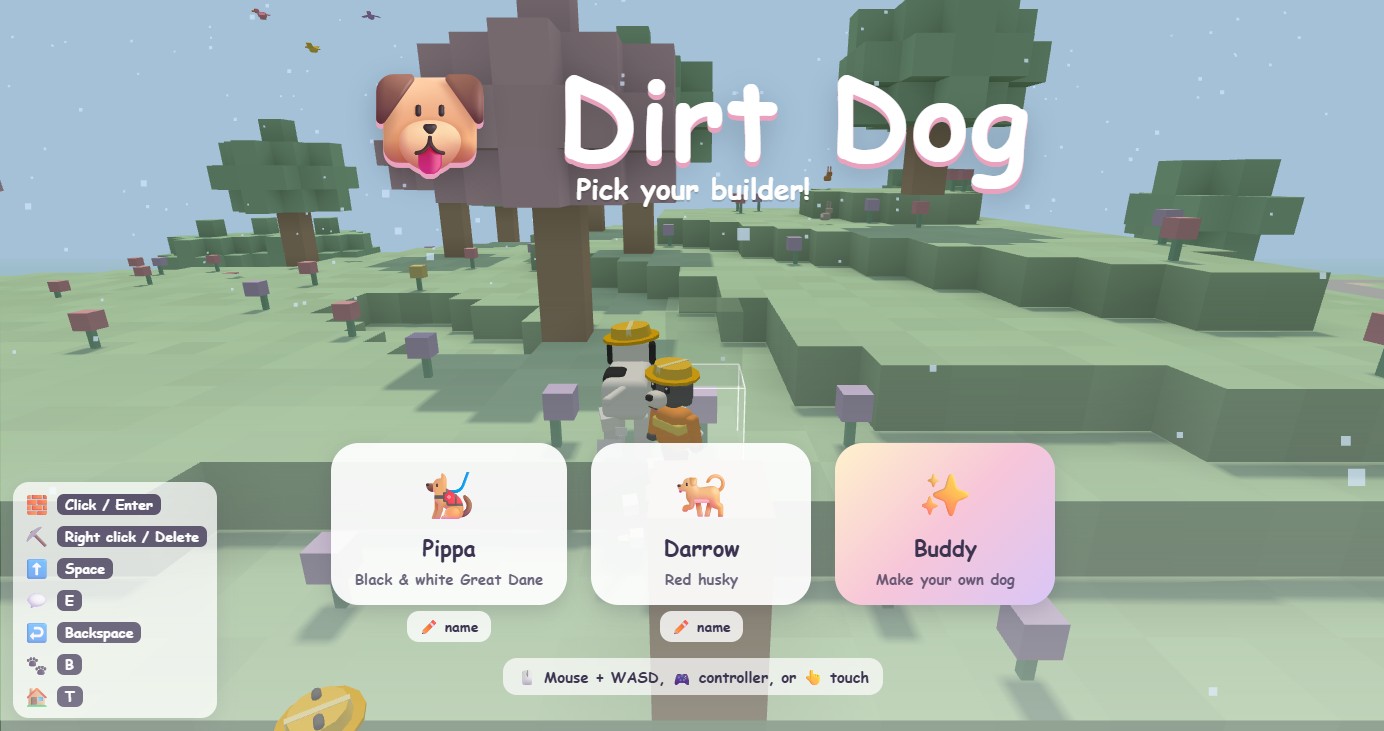
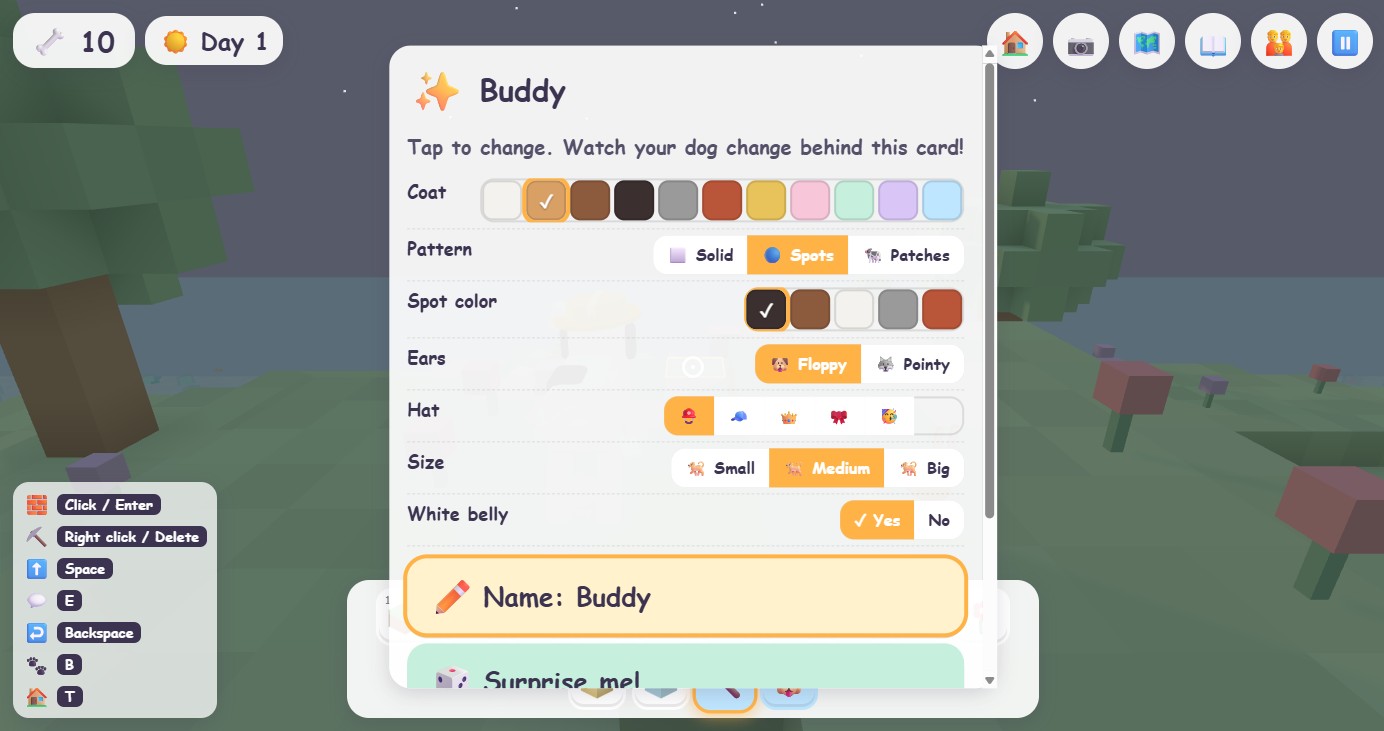
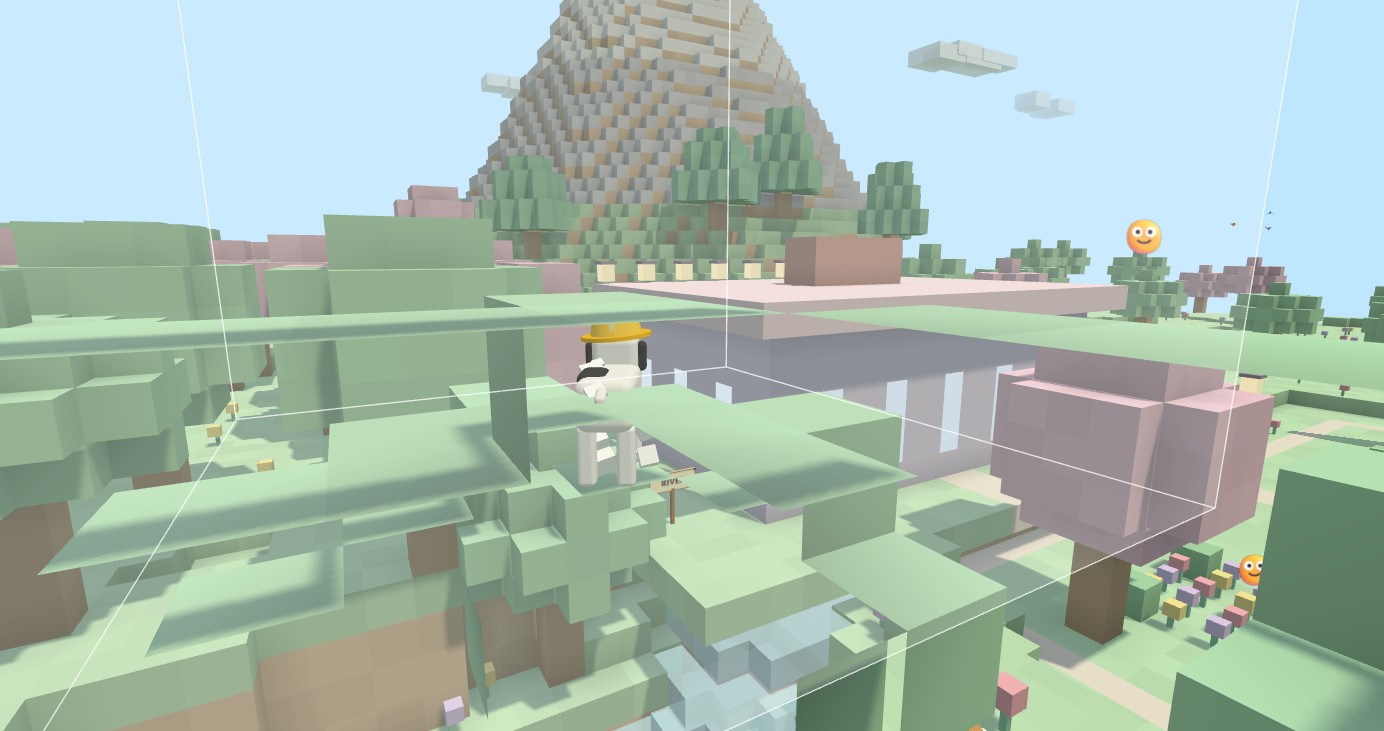
Open the game and pick a builder: Pippa the black and white Great Dane, Darrow the red husky, or make your own dog with the ✨ card. Every dog wears a hard hat. The ✏️ name button under each card lets you rename a dog, and the game will say the new name.
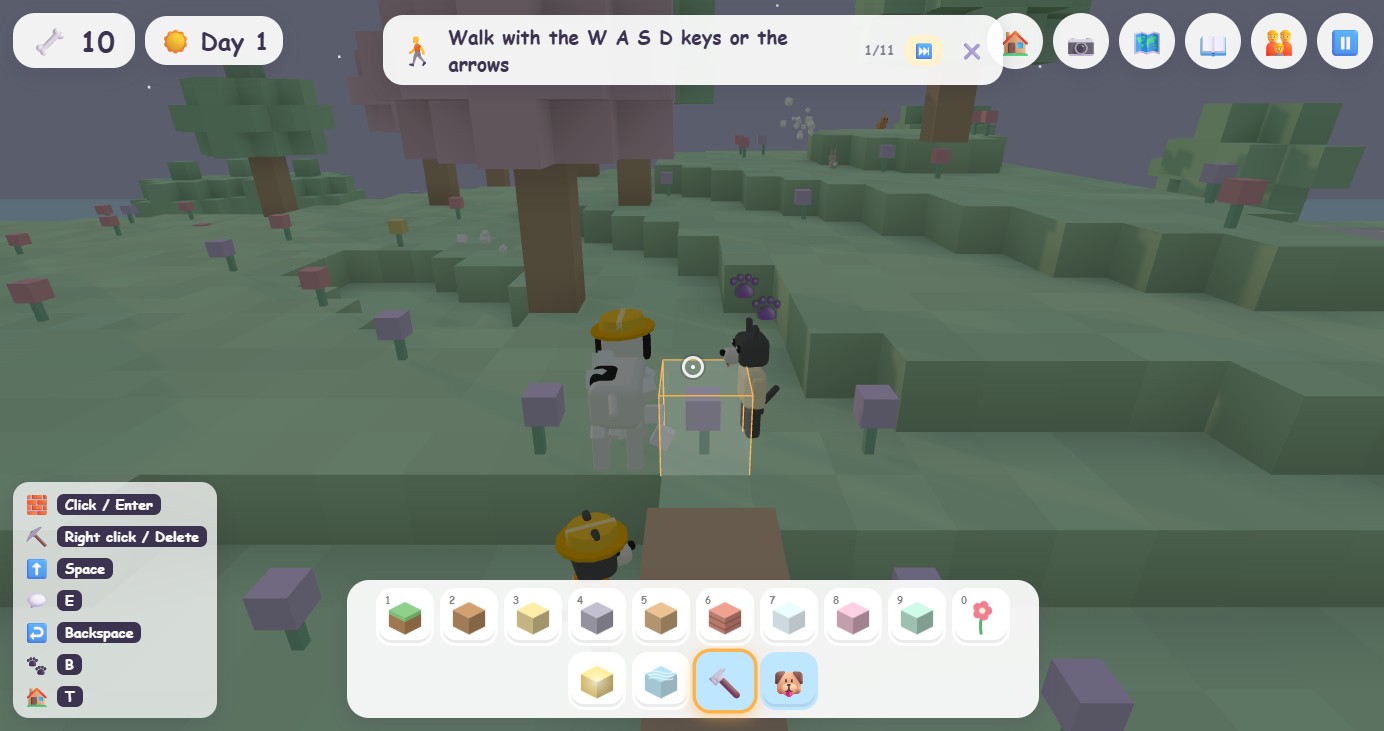
The first time, a friendly helper card at the top of the screen walks your child through the basics one step at a time, with an arrow pointing where to go. It can be turned off in parent mode.
🕹️Controls: keyboard, controller, and touch
Dirt Dog plays with a keyboard and mouse, any game controller, or touch on a tablet. The buttons your child needs most are always shown on screen with emoji, and the key strip in the bottom left lists the rest.
| Action | Keyboard and mouse | Controller | Touch |
|---|---|---|---|
| Walk | WASD or the arrow keys | Left stick | Left joystick |
| Look around | Move the mouse | Right stick | Drag on the right side of the screen |
| Jump | Space (single steps are climbed automatically) | A | ⬆️ button |
| Dive under water | Hold Shift. Let go to float up. | Hold down on the D-pad | Hold ⬇️ |
| Build a block | Left click or Enter | Right trigger | 🧱 button, or tap the ground |
| Dig a block | Right click or Delete | Left trigger | ⛏️ button, or tap a block |
| Undo | Backspace or Z | Back / Select | ↩️ button |
| Pick a block or tool | 1 to 0, or click the crayon box | Bumpers | Tap the crayon box |
| Stamp picker (whole buildings) | T | Y | 🏠 button |
| Change a stamp's colours | V | Right on the D-pad | 🎨 button |
| Talk, plant a flag, play | E | X | 💬 button |
| Bark (makes new friends) | B | B | 🐶 button |
| Map and fast travel | M | Pause menu, then Map | 🗺️ button |
| Take a photo | O | Pause menu, then Photo | 📷 button |
| Read the word you are pointing at | L | Pause menu | 📖 button |
| Stuck? Go home | R | Pause menu, then Go home | Pause menu, then Go home |
| Parent mode | P | Pause menu | 👪 button, top right |
| Pause | Esc | Start | ⏸️ button |
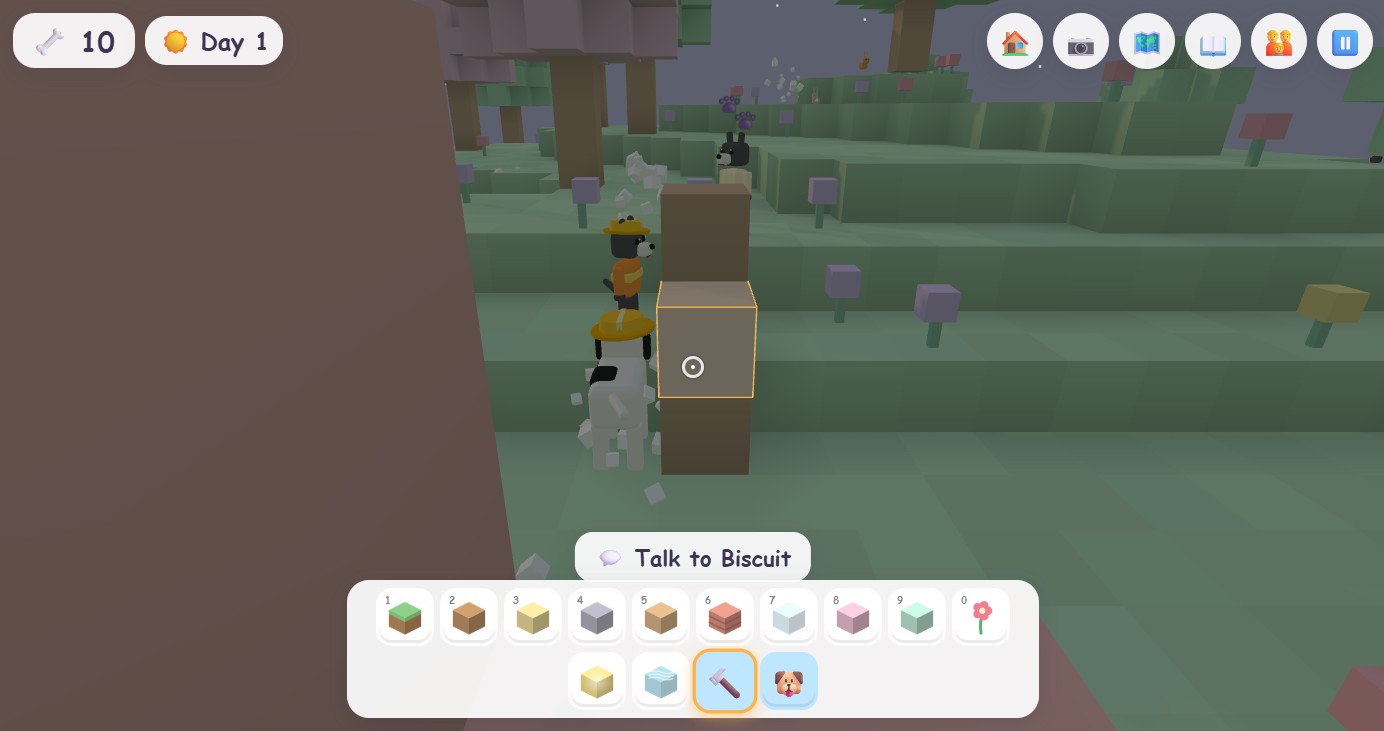
On a PC, click the game once so the mouse steers the camera. Press Esc to get the mouse back.
🧱Building and digging
Blocks are free, always
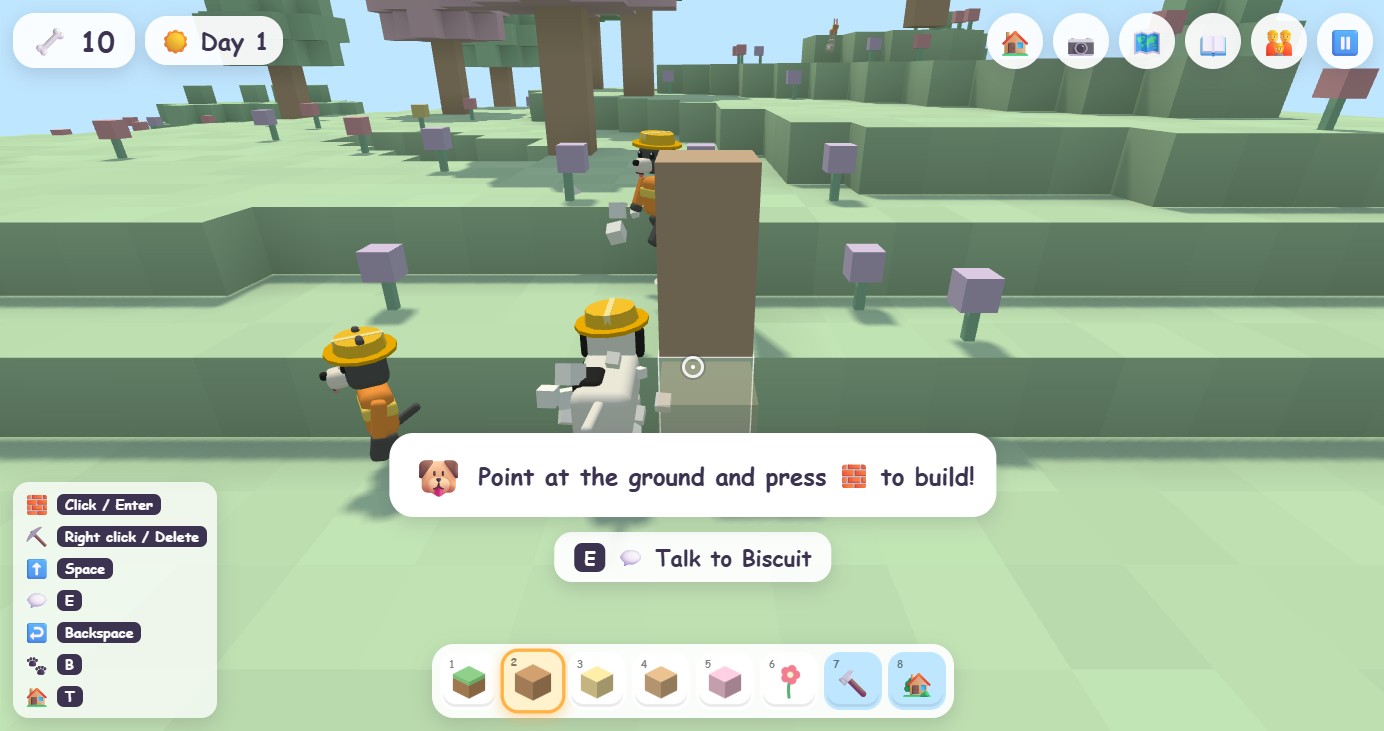
Pick a colour from the crayon box at the bottom of the screen, point at the ground, and build. A see-through preview cube shows exactly where the block will land, so there are no surprises. Little Pup mode has six big blocks; Big Dog mode has the whole box.
Stacking and stairs
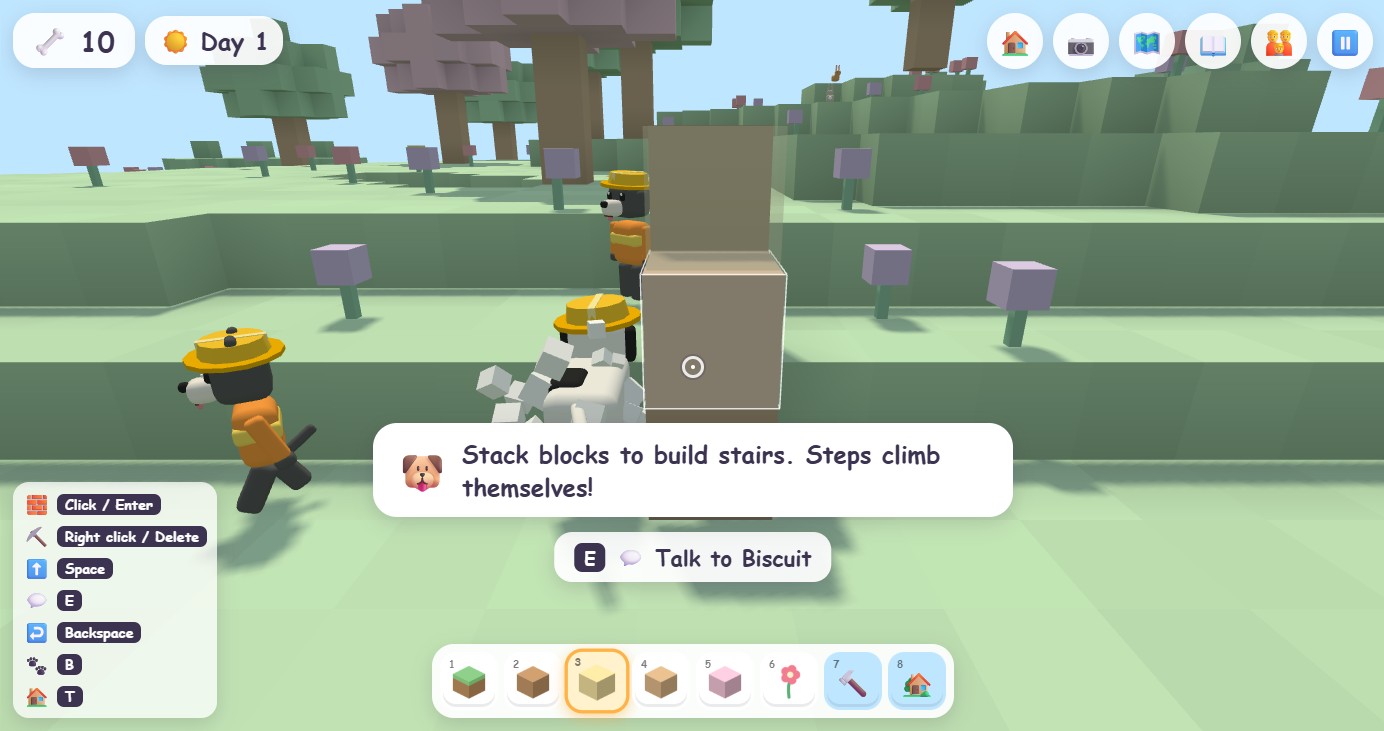
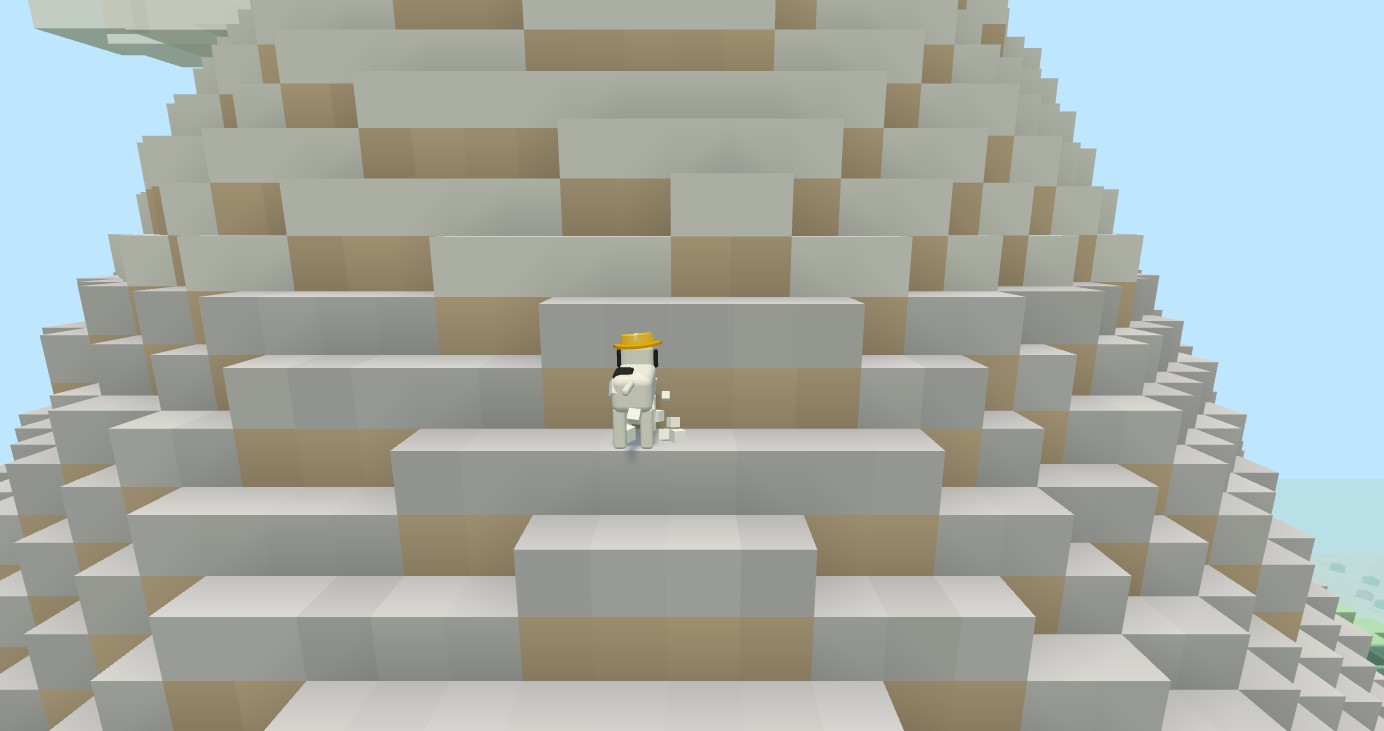
Point at the top half of a block and build again to stack one on top. Blocks can be placed on the side of other blocks too. Single steps are climbed automatically, so a staircase of blocks is a ramp your dog just walks up.
Digging, water, and undo
- Dig with the ⛏️ tool. Flowers on top of a dug block fall away with it.
- Dig next to water and it flows in with a splash. Undo puts the block back.
- Undo takes back the last thing you did, again and again, including whole stamped buildings (and refunds their bones).
- You cannot dig the very bottom of the world, and you cannot build inside a dog or an animal.
Stamps: whole buildings in one tap
The 🏠 stamp picker holds 14 things you can place in one go: cottage, house, tower, shop, dog house, tree, flowers, bridge, pier, lamp, bench, fence, pool, and slide. Stamps cost bones, and bigger ones cost more (a lamp is 1 bone, a cottage 8, a tower 20). The picker shows the price and greys out what you cannot afford yet. Press V to cycle the colours before placing.
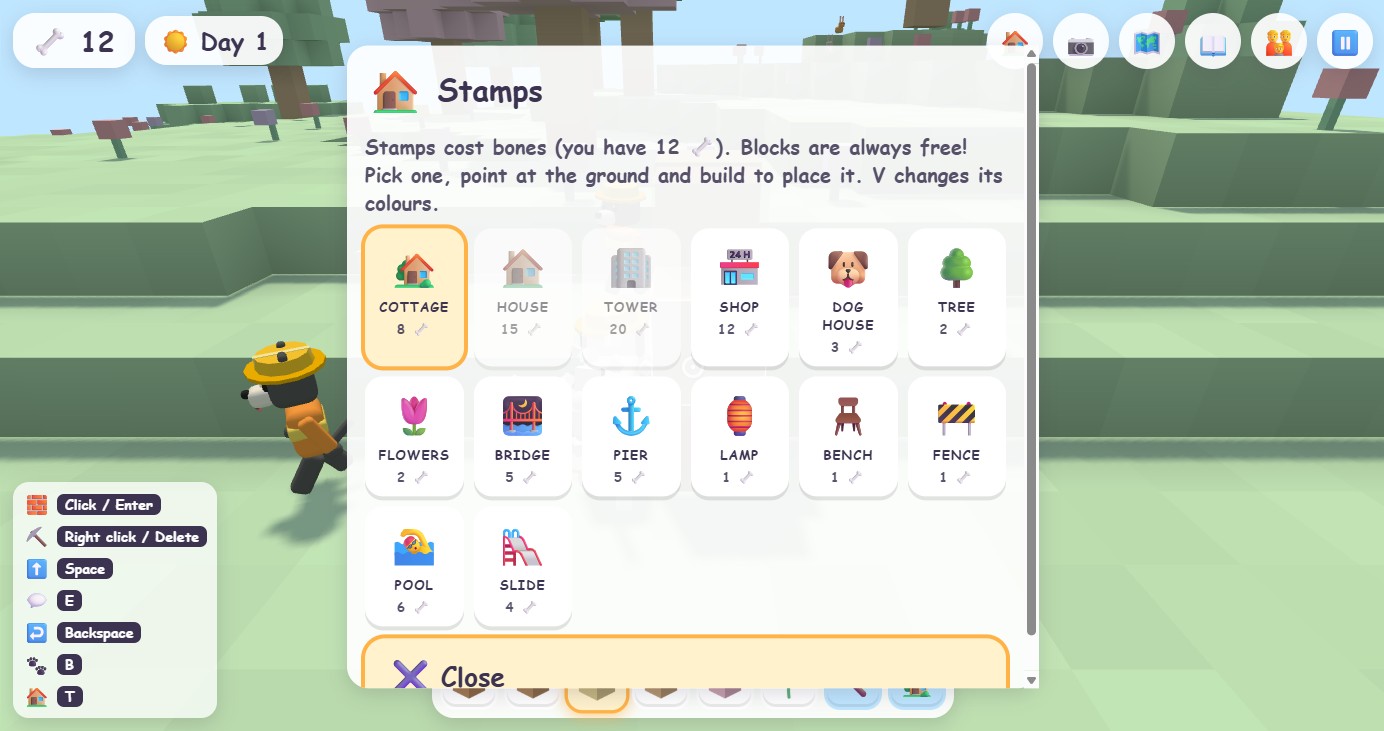
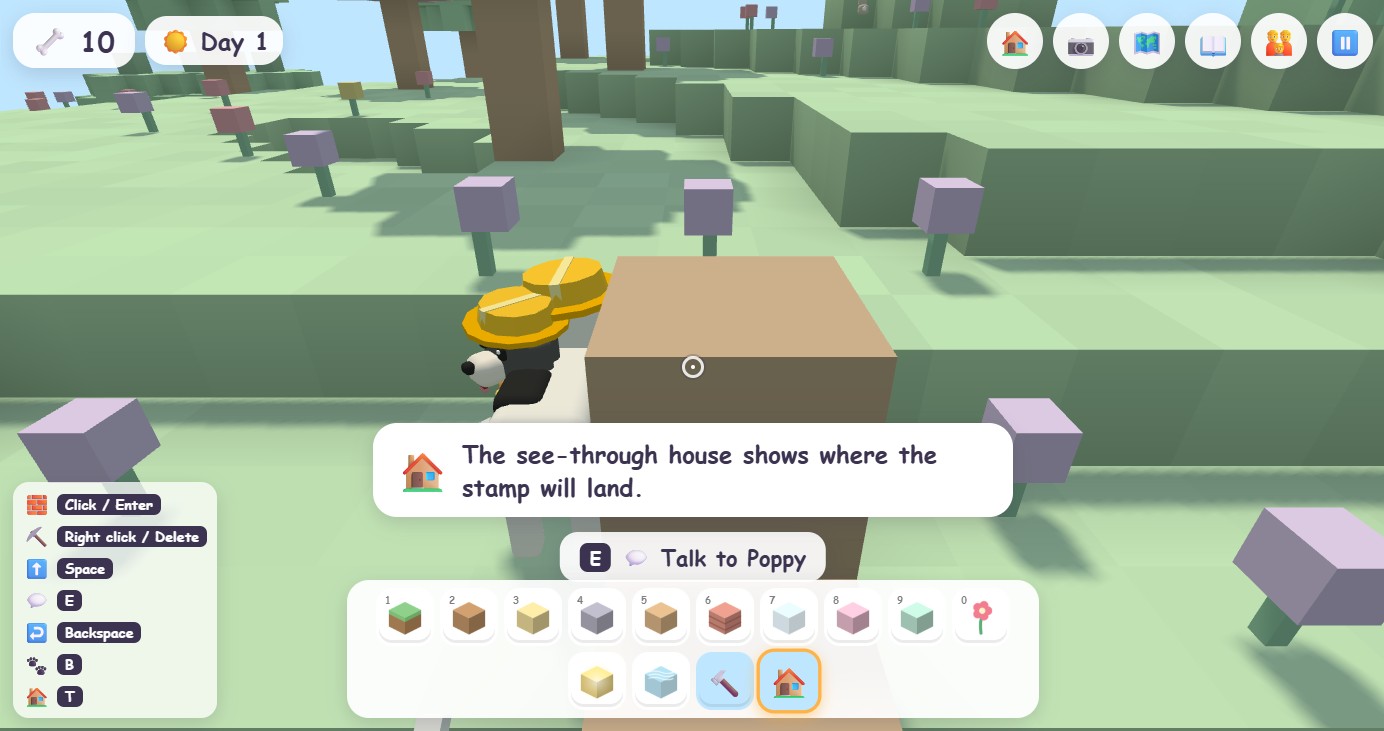
If you do not have enough bones, you can always build the same thing by hand with free blocks. That is the whole idea: bones buy shortcuts, not the ability to play.
🦴Bones, lots, rent, and neighbors (the real estate part)
Bones are the game's money. The counter in the top left is always visible. You start with 10.
How to earn bones
- Rent. Own a lot, put a house on it, and a neighbor dog moves in and pays bones every morning. Houses near the park or the water pay more, and a street where the houses are cared for pays more than a run-down one.
- Fixing things. Buildings and gardens slowly wither if nobody looks after them. A visibly cracked house pays 3 to 7 bones when you fix it with the 🔨 tool, depending on how bad it got. A house that still looks fine pays nothing, so hammering a good house does not print money.
- Kindness. Feeding birds, petting squirrels, racing rabbits and finding the shark's treasure pay a bone or two, a couple of times a day.
- Games. Wins in the Game House pay a few bones, capped per day.
How to spend bones
- Lots cost 15 to 30 bones. The first lot near home is free.
- Stamps cost 1 to 20 bones. Blocks are free.
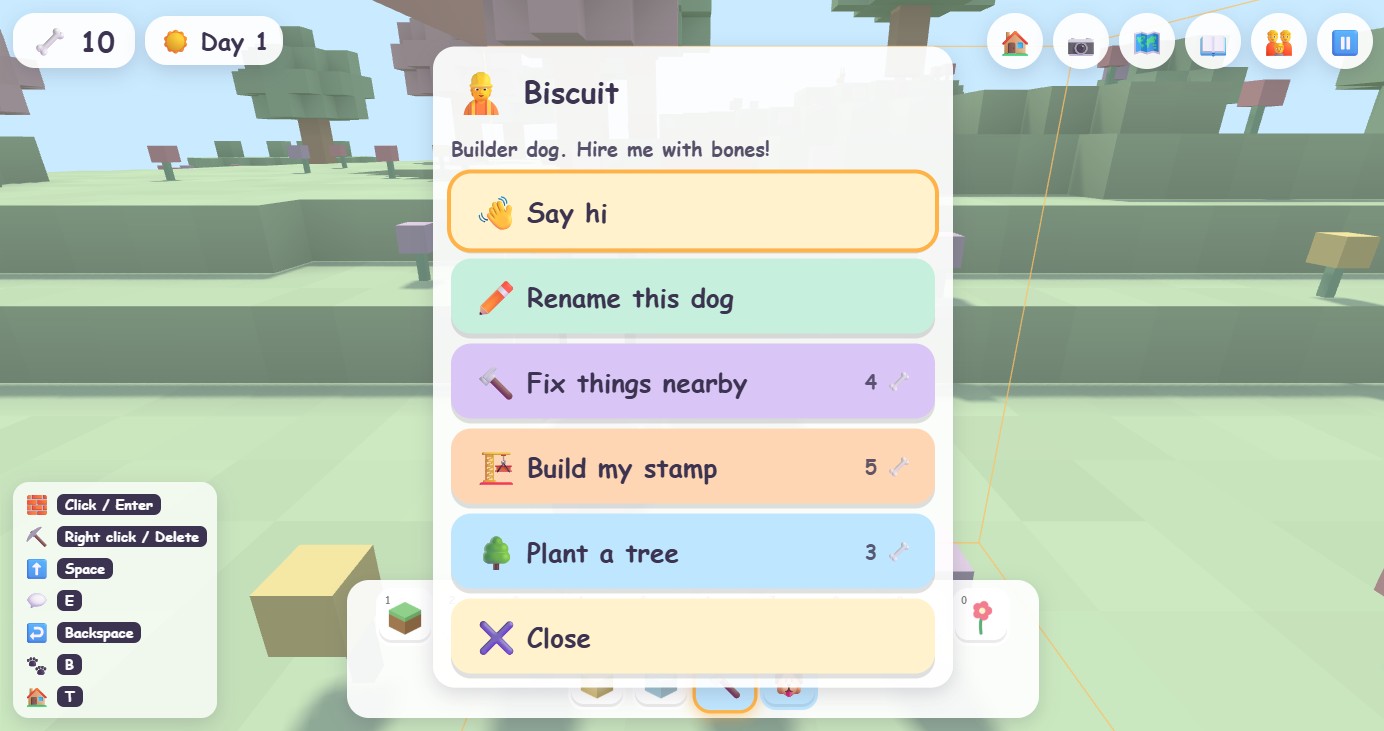
- Builder dogs charge a few bones to fix things, plant trees, or build your stamp for you.
- Building without a permit costs a 15-bone fine when the city crew takes it down (see the permits section).
Owning a lot
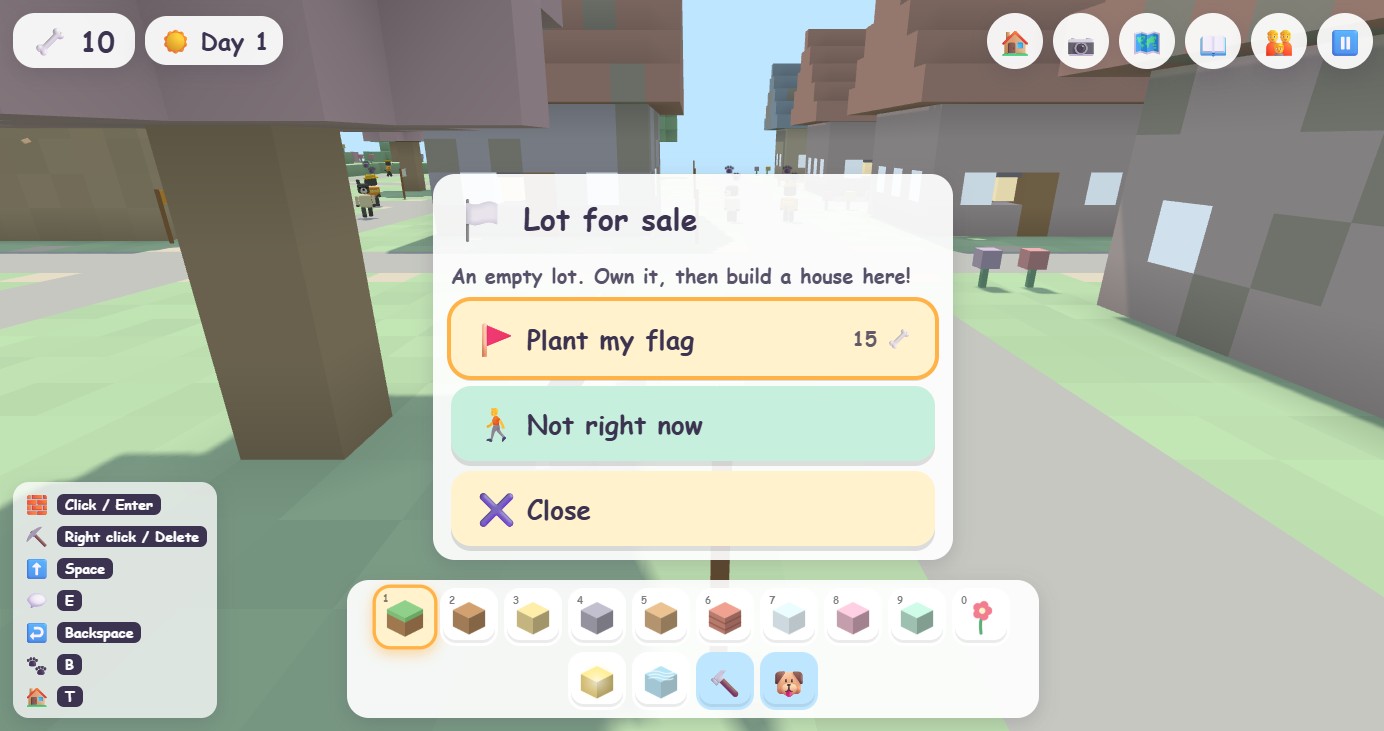
White flags mark lots for sale. Walk up to one and press 💬 to plant your flag. The flag turns into yours, and the map shows a 🚩 on every lot you own.
A neighbor moves in
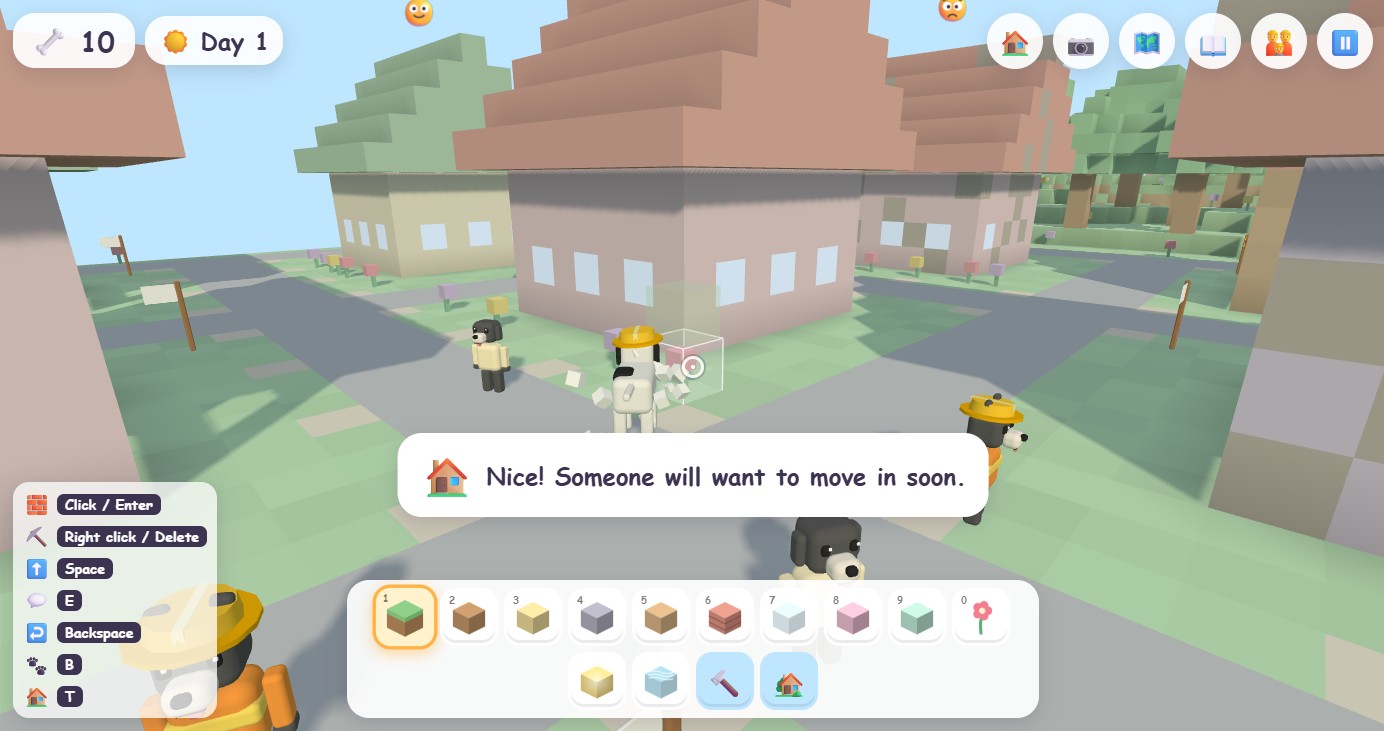
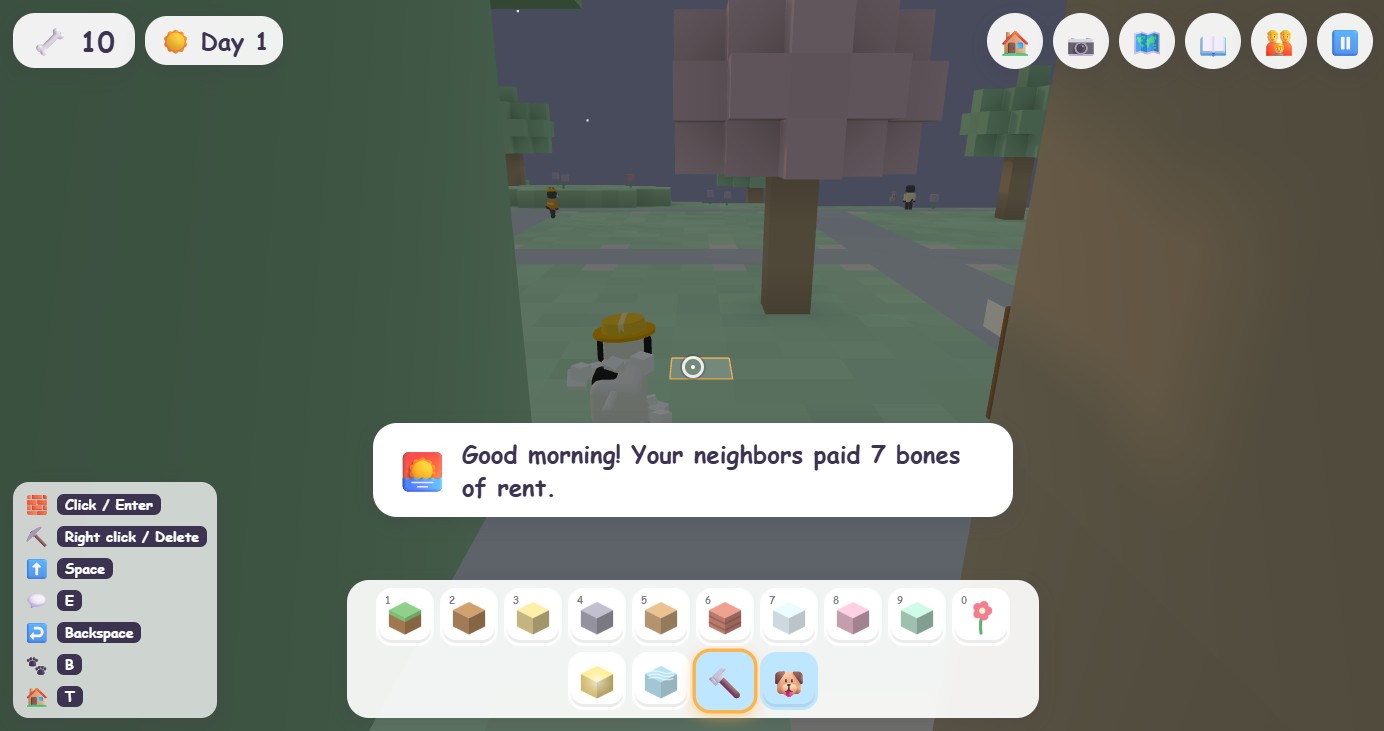
Stamp a cottage or house on your lot, or build one yourself from at least 24 blocks, and a neighbor arrives within a minute. Every morning the rent lands in your counter with a little celebration.
Taking care of things
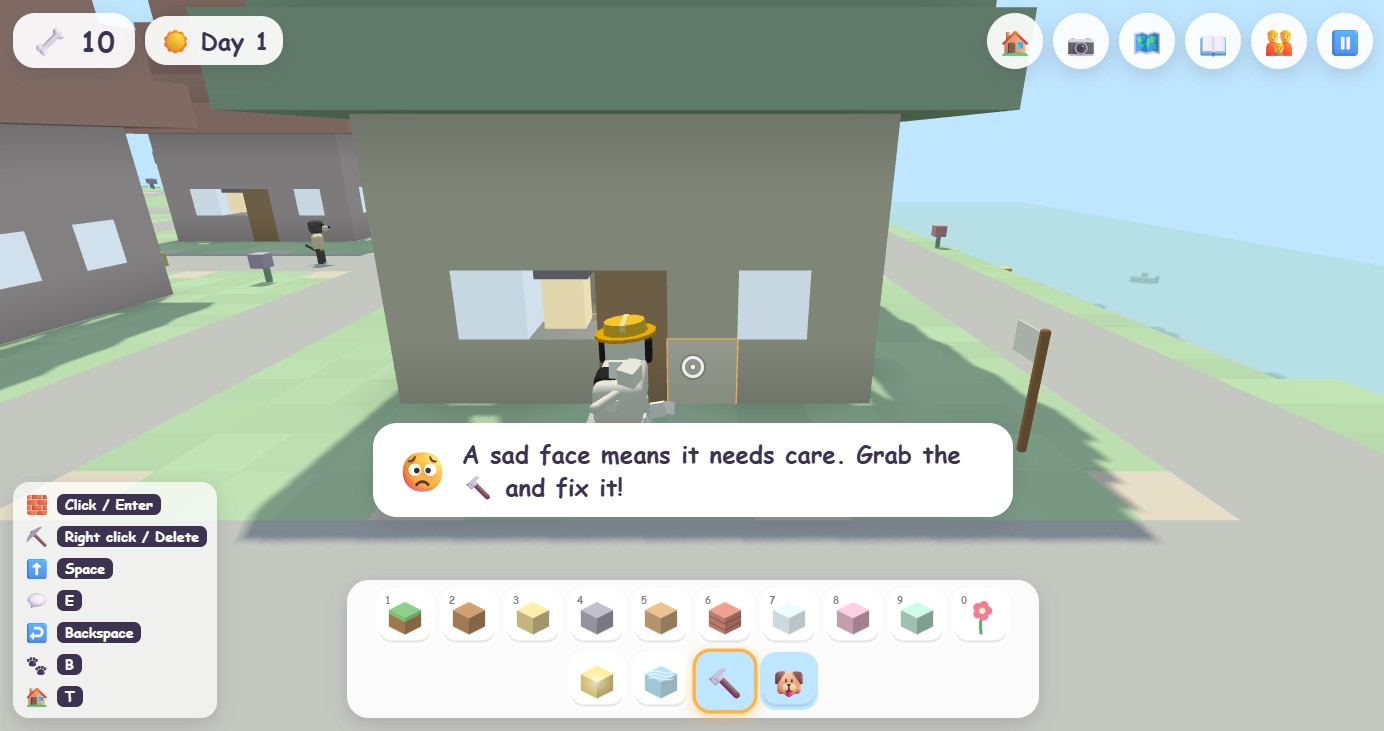
A face floats over every building and garden: 😄 is happy, 😐 could use care, 😟 and 😢 need fixing. Neighbors leave a house that falls apart. Pick the 🔨 and tap the building a few times to fix it, or ask a builder dog.
Big Dog mode adds
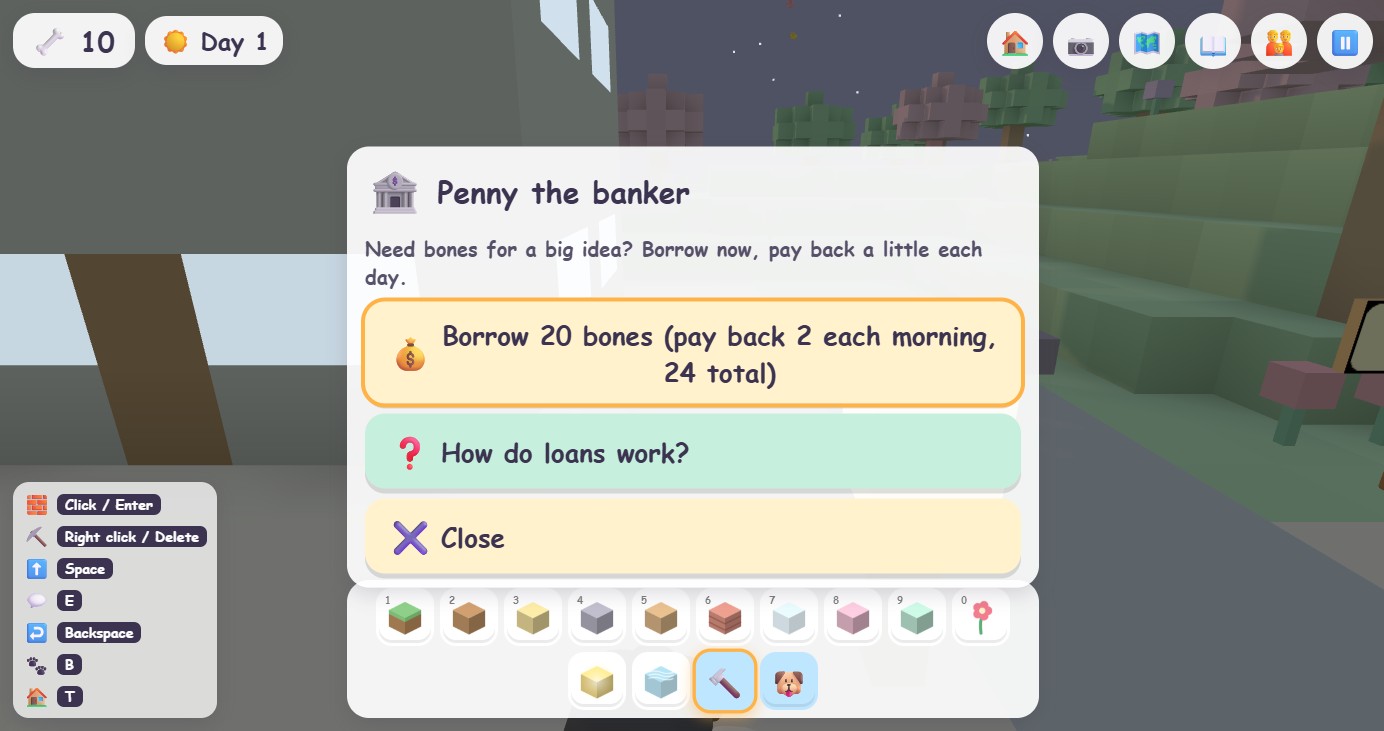
- Loans from Penny the banker in the city: borrow 20 bones, pay back 2 each morning until 24 are returned. The counter shows what is owed.
- Tax day every seventh day: the city takes about a tenth of your bones and spruces up the park with them.
- Selling lots. A lot is worth more when the houses around it are looked after.
📋Permits, zones, and the city crew
Most of the island is free to build on: the meadow, the forest, the beaches, the mountain, the park (park stamps like trees and flowers are always welcome there). Two places have rules, just like a real town:
- The neighborhood is for cottages, houses and dog houses, and only on a lot with your flag.
- The city is for shops and towers, and only on a lot with your flag.
When you aim a stamp somewhere it is not allowed, the preview turns red and a hint at the bottom of the screen says why. If you try to place it anyway, the game asks first, and tells you the fine.
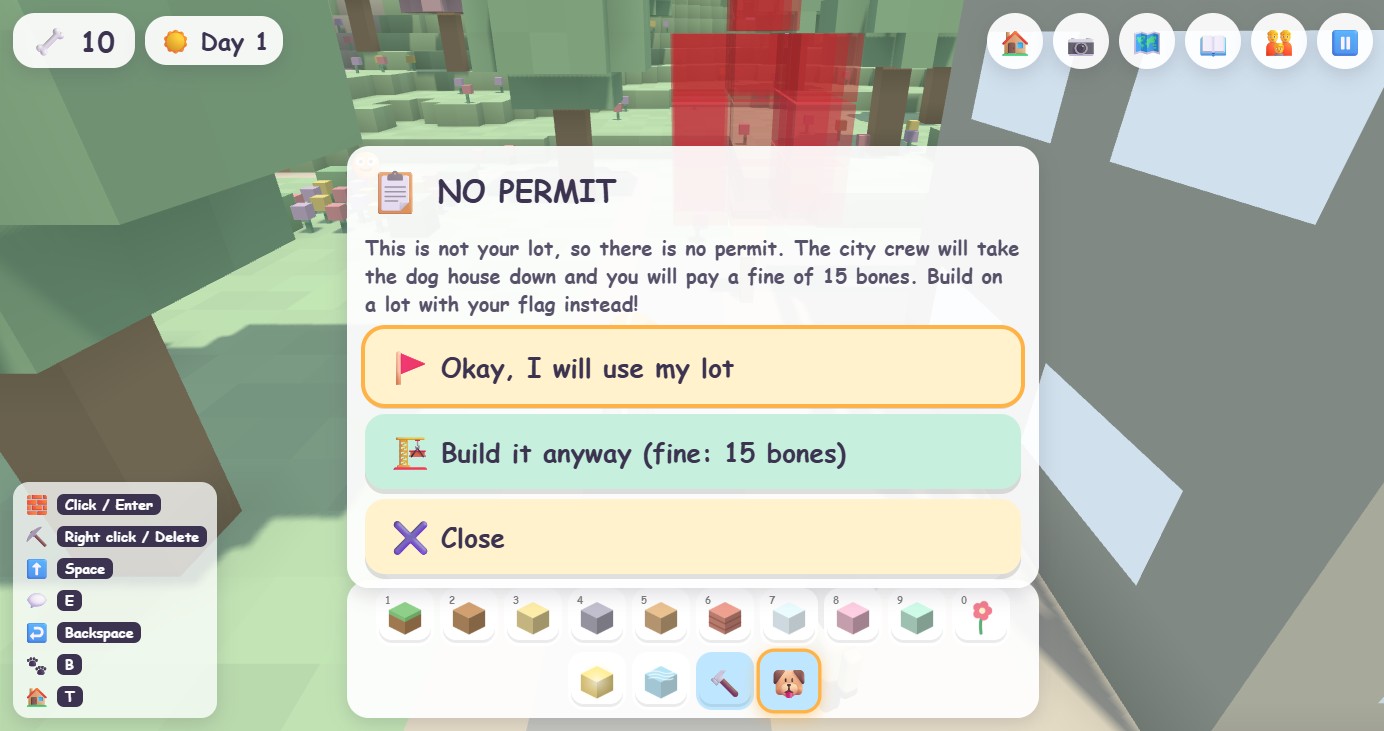
Build without a permit and a city dog with a clipboard walks over, takes the building down, and charges a 15-bone fine. Loose blocks left on city land get tidied away for a 4-bone cleanup fee. Blocks on your own lots are always fine. Nothing is ever taken from your own lots.
Why bother? Because we wanted Dirt Dog to be a gentle introduction to the idea of owning, caring, and rules that apply to everyone (an intention, not a promise). The crew is polite, the fine is small, and the ask-first dialog means it never feels like a trap.
🏝️Exploring the island
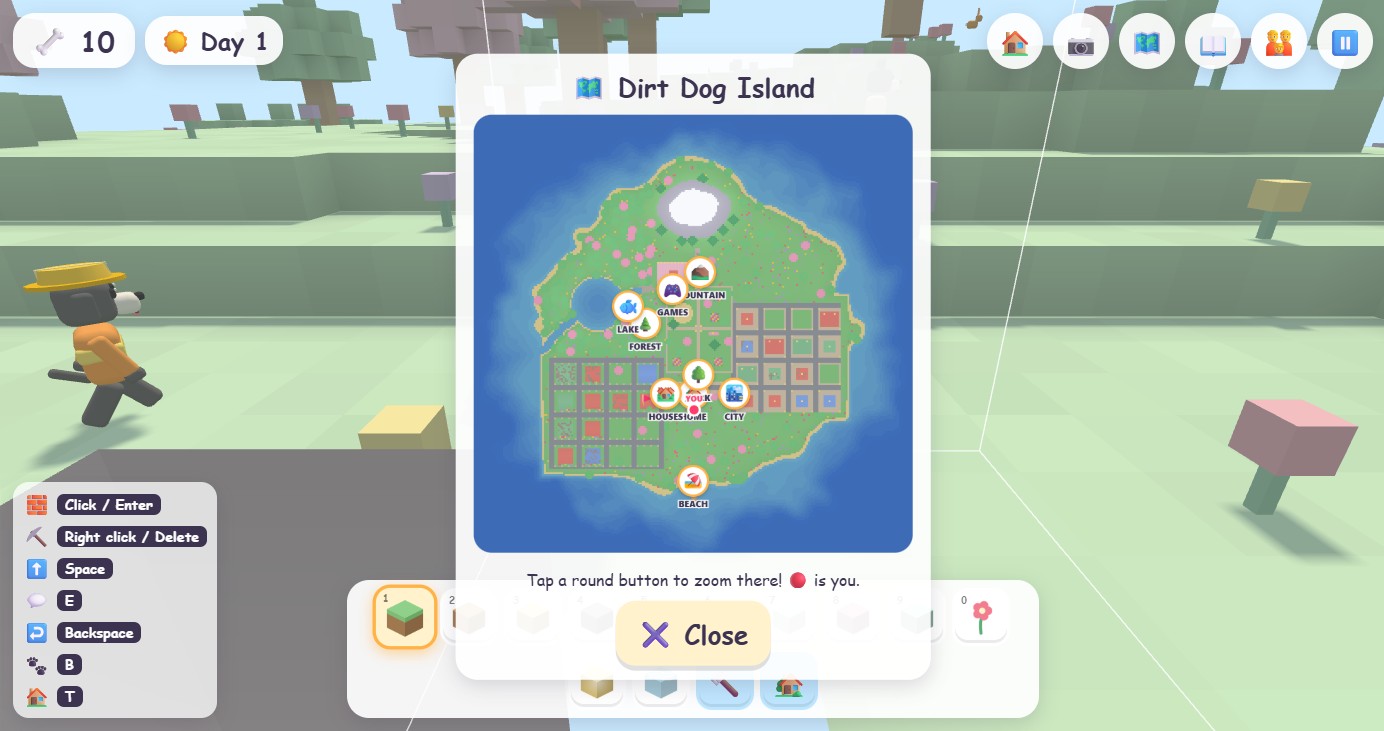
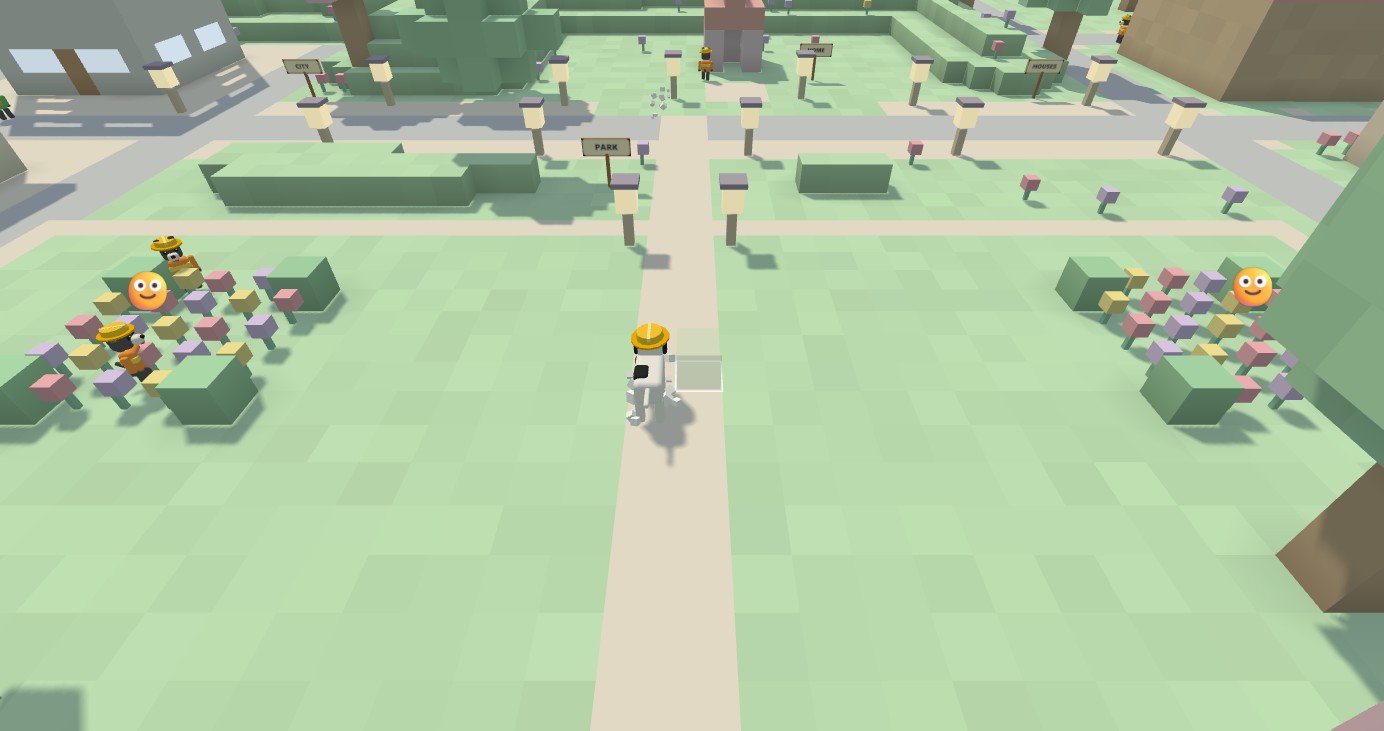
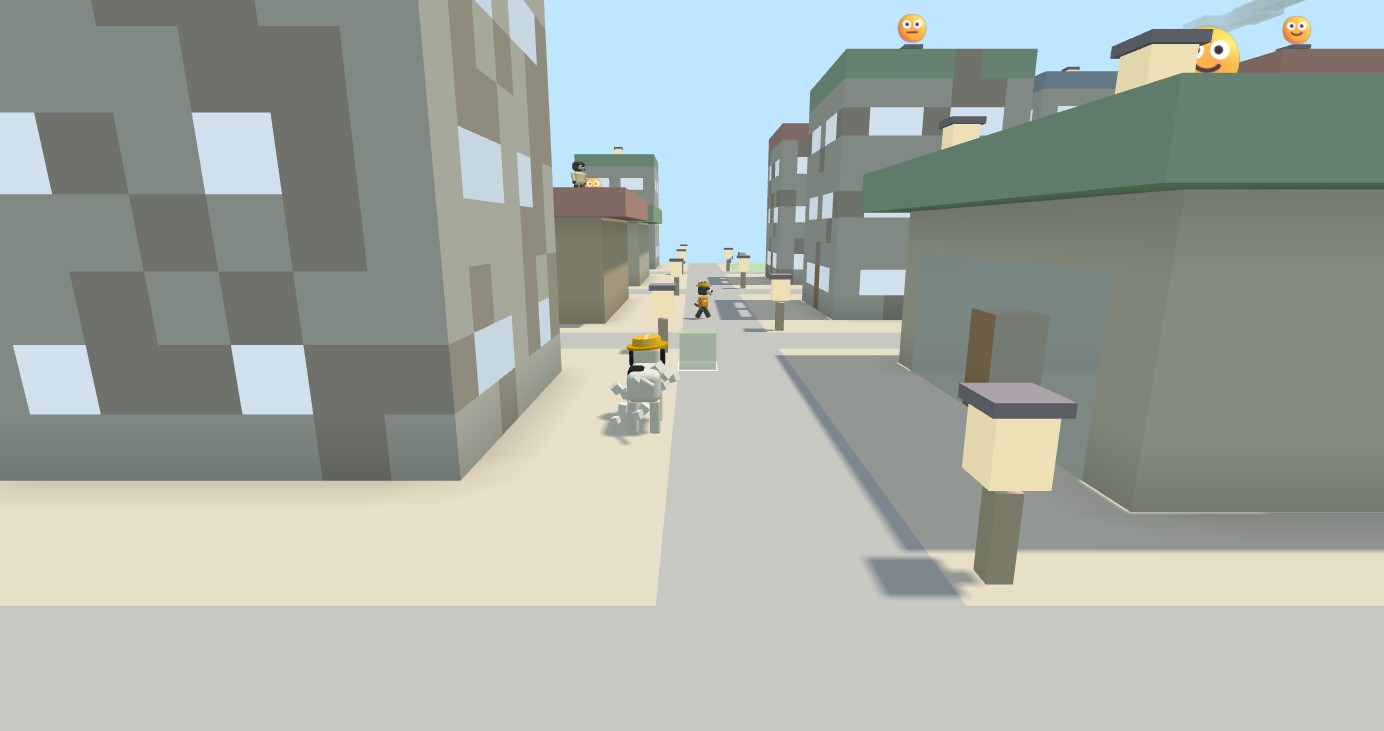
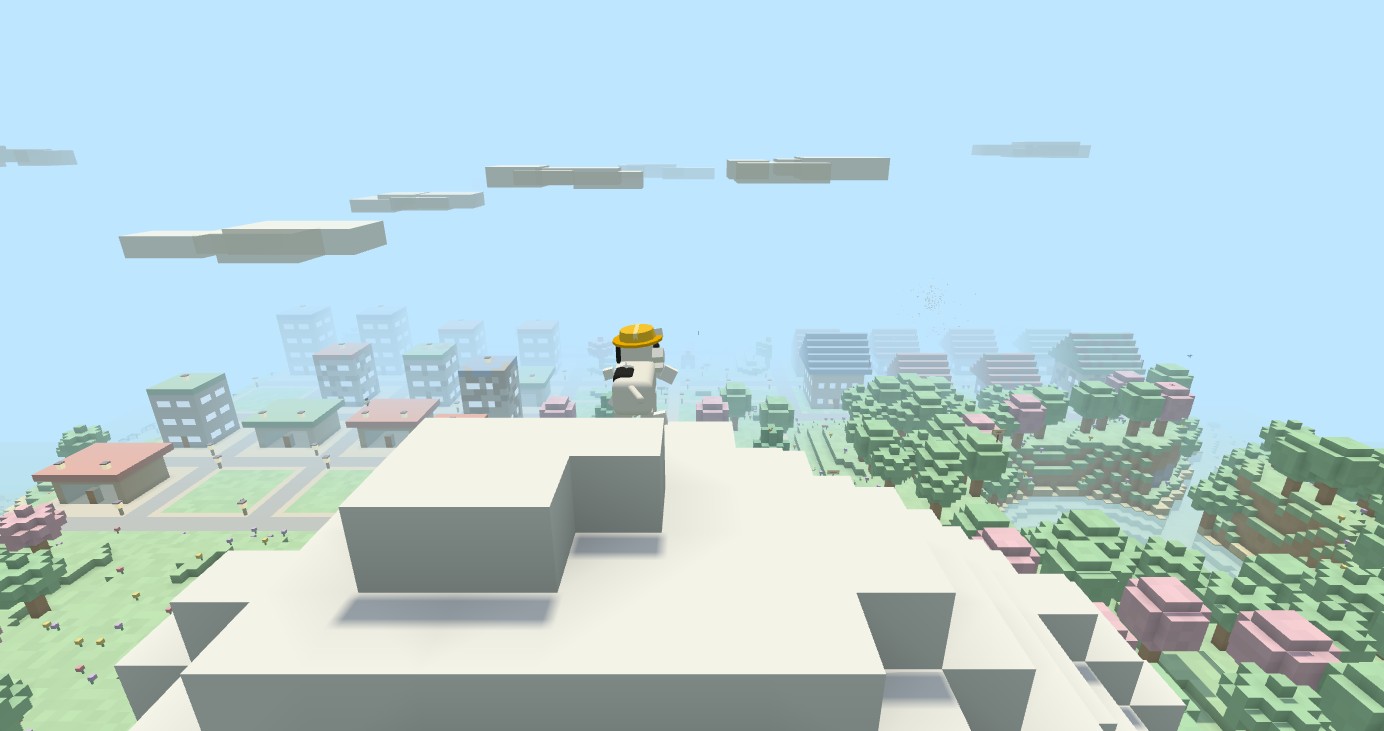
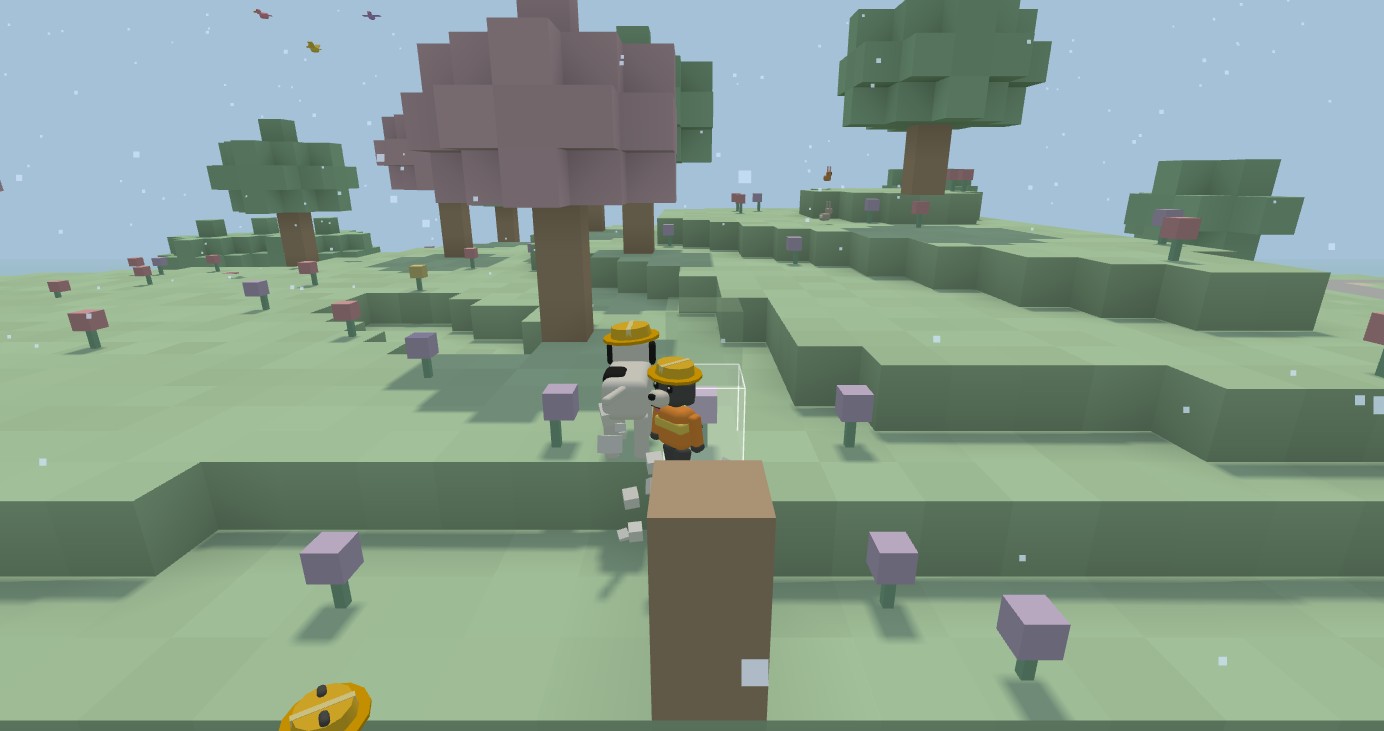
Press M or tap 🗺️ for the map. Every place has a big round button: tap one and the dog is whisked there. Owned lots show a 🚩, and the dog's position is a paw print.
Swimming and diving
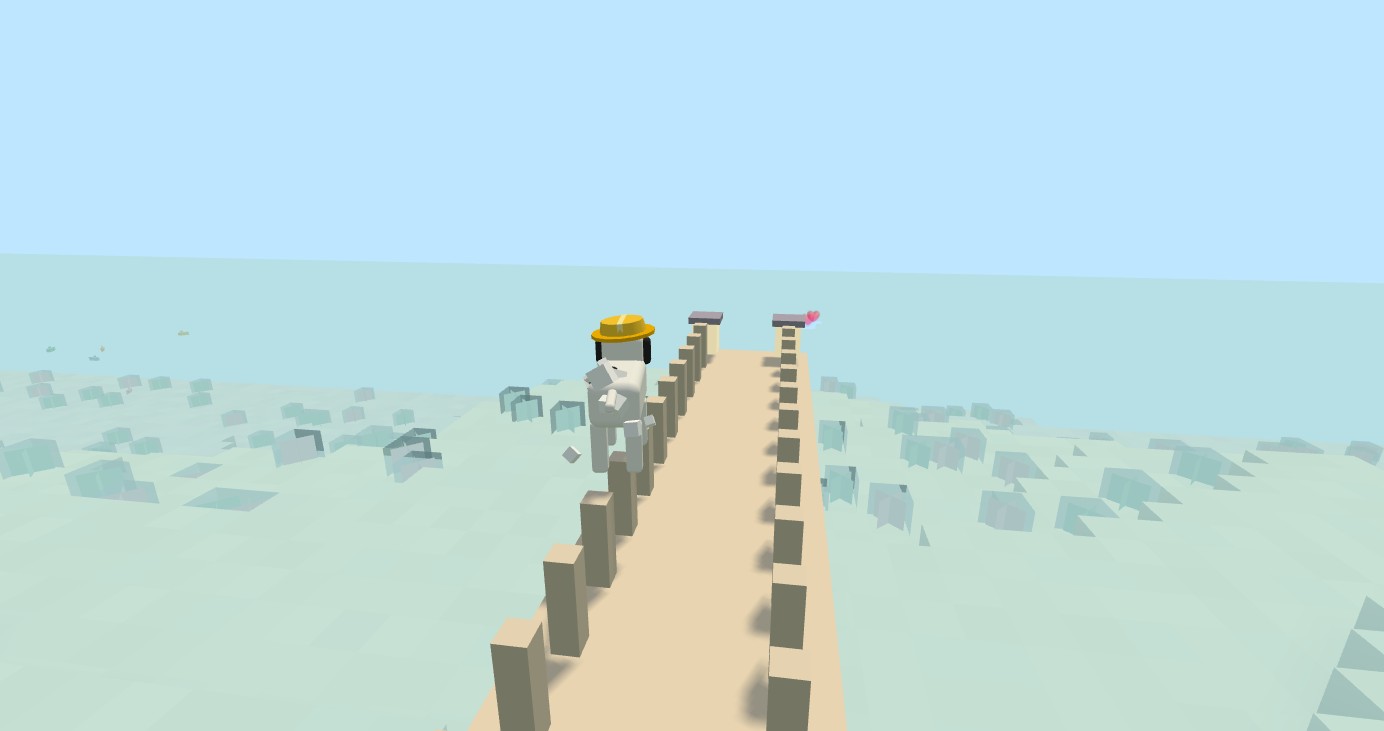
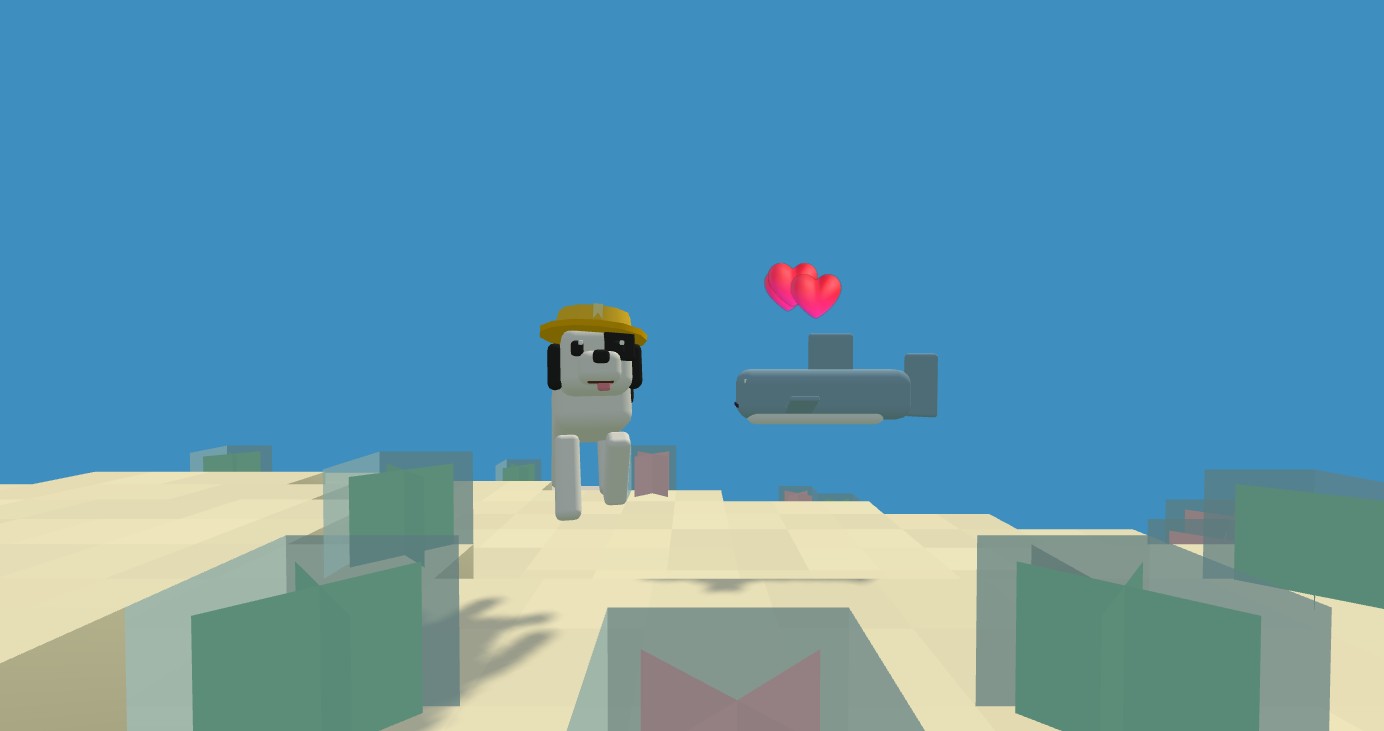
Walk into water and you swim. Hold Shift (or ⬇️) to dive, let go to float back up. The whole ocean can be swum around, and the dog climbs out onto any beach or bank with a little hop. Under water it is blue and calm, with seagrass and fish.
A day lasts seven minutes. Rent arrives at sunrise. If the dog ever gets stuck, press R to go home.
🦈Animals and friends
Every creature is a friend and nothing can be hurt. Walk up and press 💬:
- Birds like to be fed. Squirrels like to be petted and sometimes give you an acorn. Fish blow bubbles.
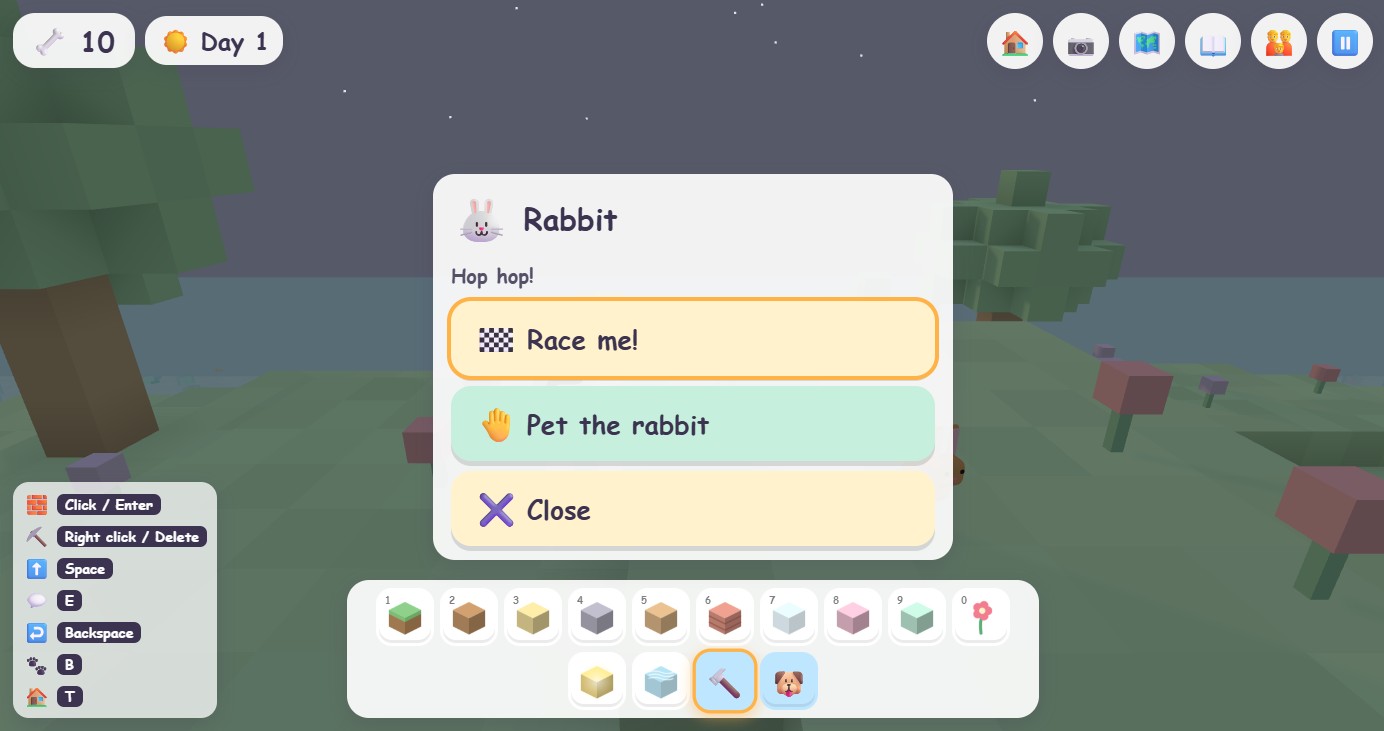
- Rabbits race you to a flag. A trail of stars and a beam of light show the way. Win or lose, everyone is happy.
- Sharks play tag in the ocean, bump fins, and lead you to buried treasure.
Neighbor dogs
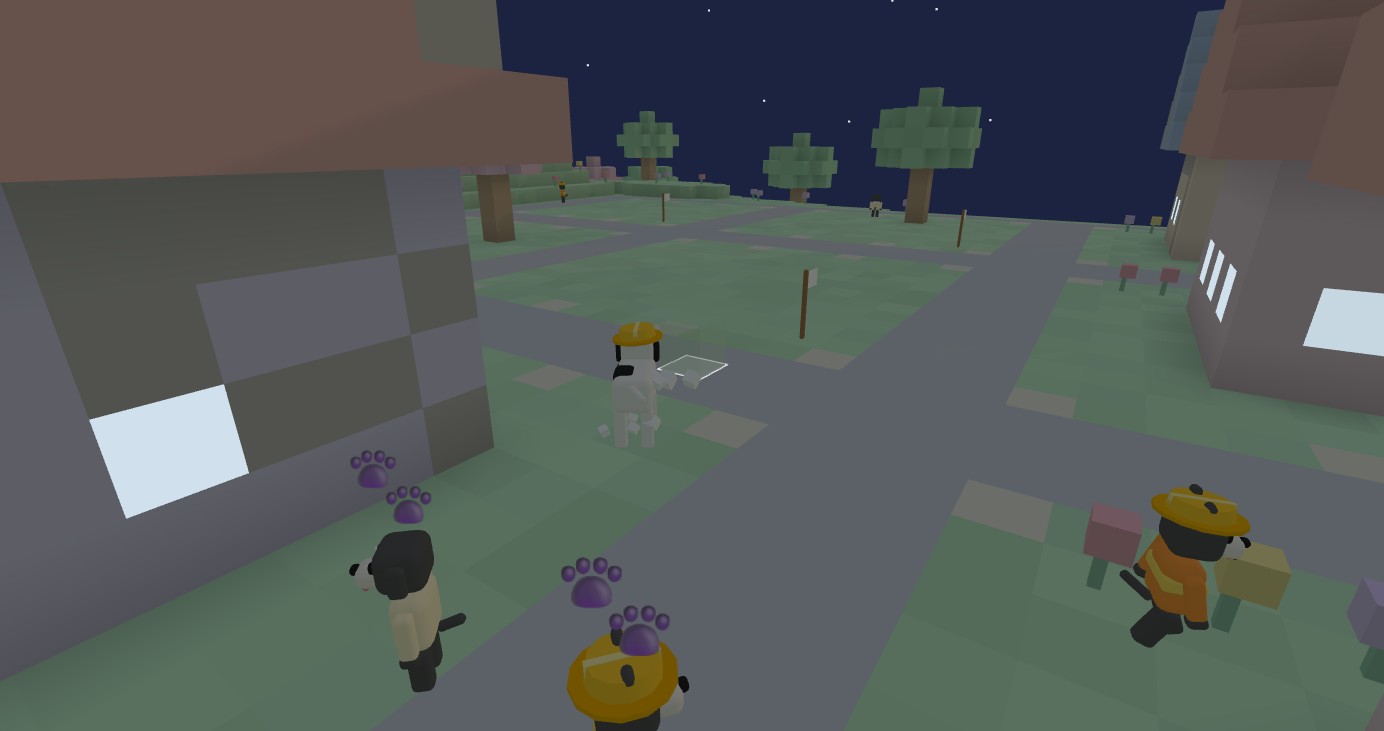
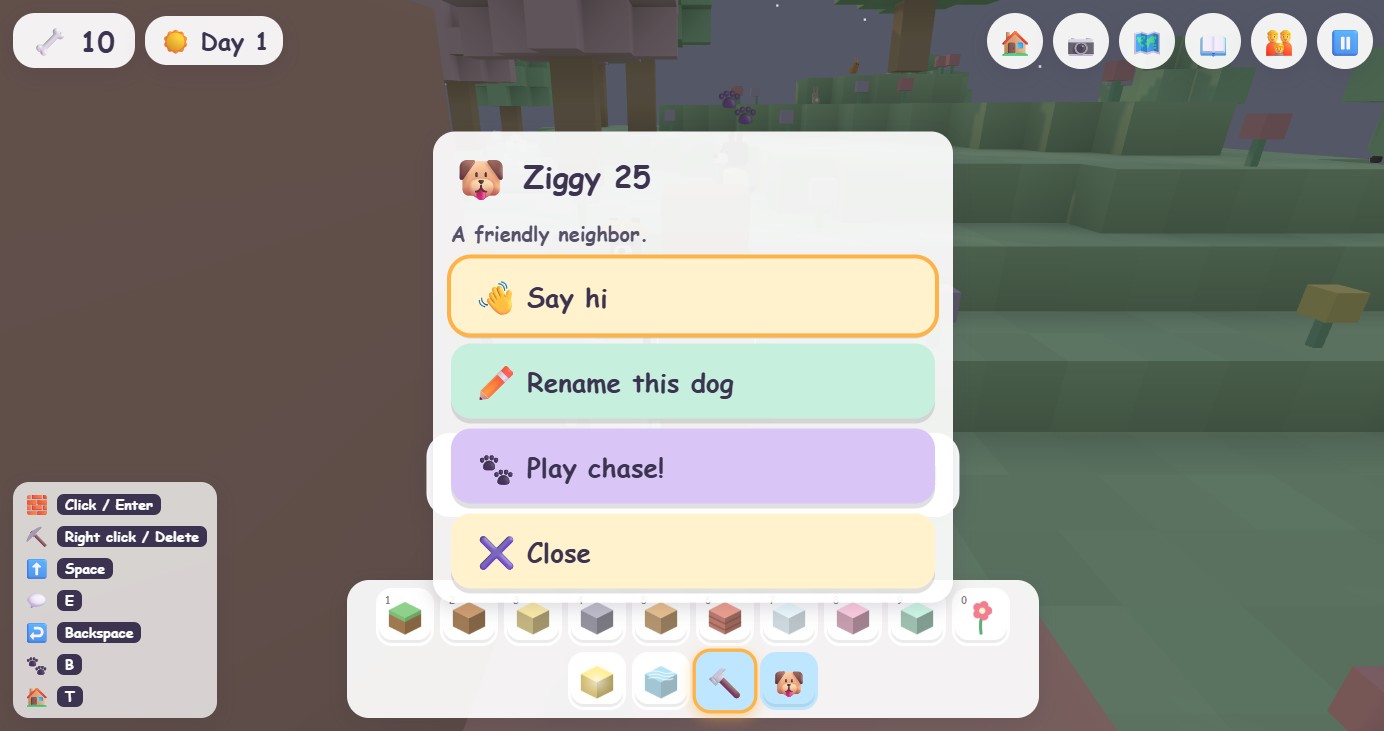
Dozens of dogs live on the island. Say hi, ask how their house is, and play chase: they run, you catch them, then it is their turn to chase you, with a head start. Dogs in orange vests are builders you can hire. Press B to bark and a new friend comes running to meet you (up to thirty live on the island, and they all have homes to go back to). In parent mode you can rename any dog.
🎮The Game House
The big lilac building with marquee lights north of the park is the Game House. Walk up to a machine inside and press 💬 to pick from ten short games. Every game works with arrows or WASD, the controller stick, and touch buttons. Esc or ✖️ closes a game. Wins pay a few bones, capped per day, so the arcade is a treat rather than a job.
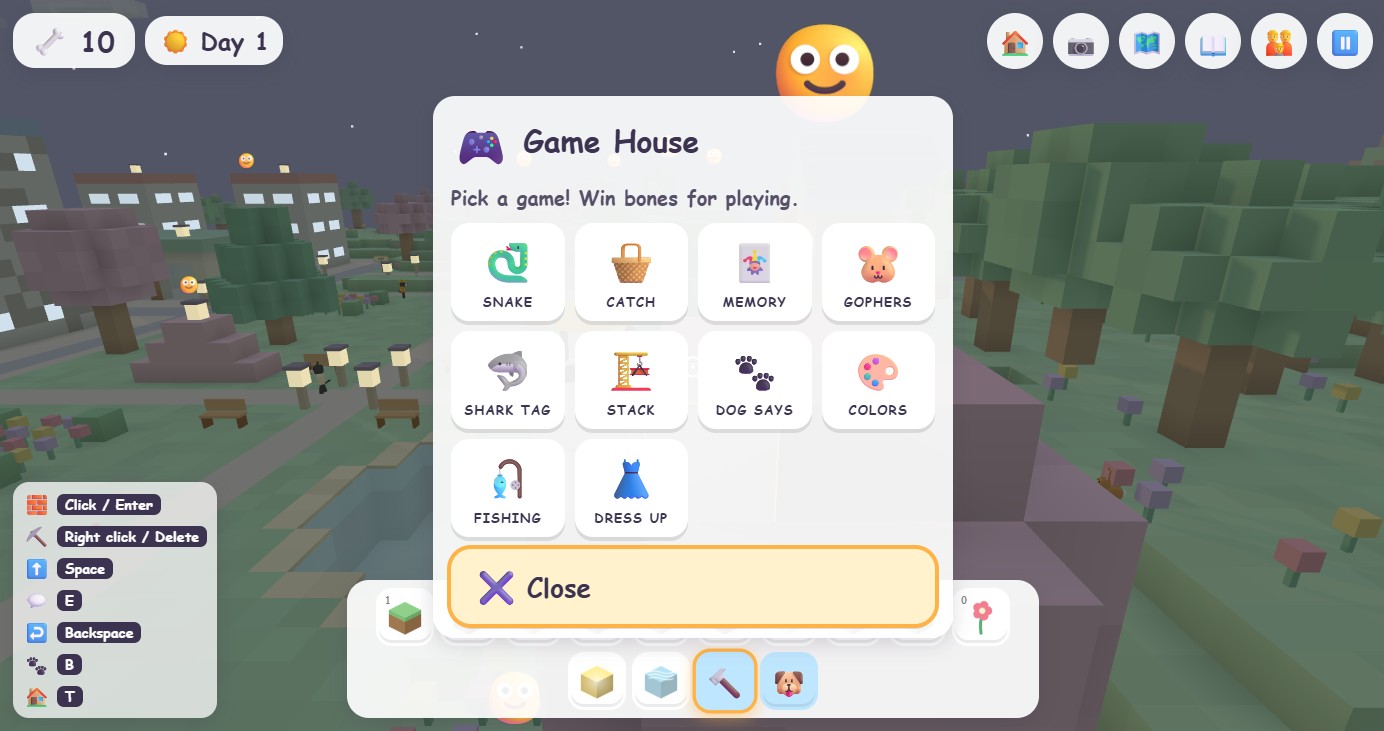
- Snake: steer the dog to the bones; the tail grows.
- Bone Catch: catch falling bones and stars in a basket.
- Memory Match: flip cards to find the pairs.
- Whack-a-Gopher: bop the gophers as they pop up (they giggle).
- Shark Tag: grab bones in a pond while a friendly shark tries to tag you.
- Block Stack: drop blocks to build the tallest tower.
- Dog Says: repeat the pattern of barks and colours.
- Color Mix: mix two paints to make the colour asked for.
- Fishing Pond: wait for the tug, then reel in.
- Doggy Dress-up: hats, glasses and scarves, with a photo button.
📖Reading, speaking, and photos
- Every message is spoken out loud and shown with a picture. The voice can be changed in parent mode (the game picks the most natural voice on your device).
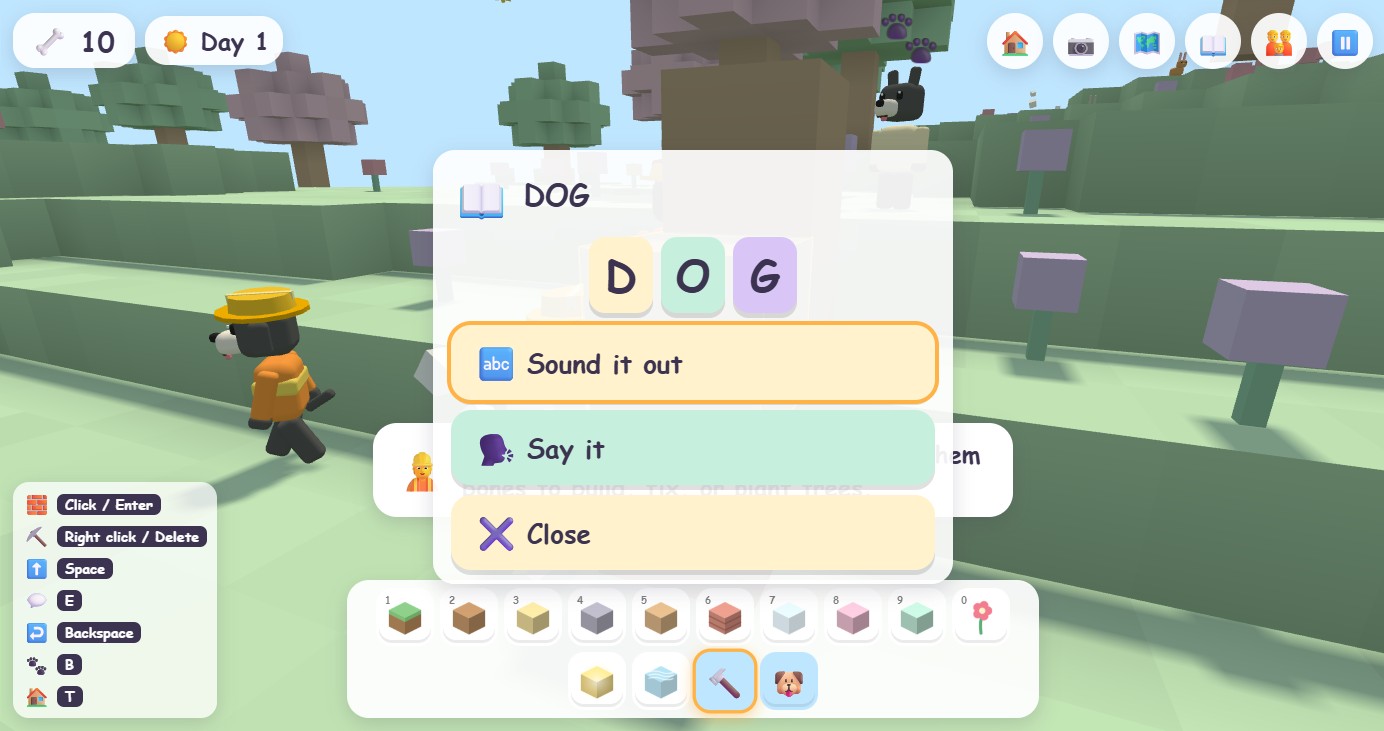
- Signs around the island have single words on them. Press L or 📖 to hear a word spelled out, letter by letter.
- The reading helper in parent mode labels what the dog is pointing at, for children who are starting to read.
- O or 📷 saves a photo of what the dog sees, at full resolution, to your downloads.
👪 For parents
🎚️Parent mode and the two age settings
Press P or tap 👪 in the top right. Parent mode shows the numbers behind the game and holds every setting: graphics quality, sound, music, voice, reading helper, tips, age setting, the break timer, pet names, save backup, and a fresh-island button.
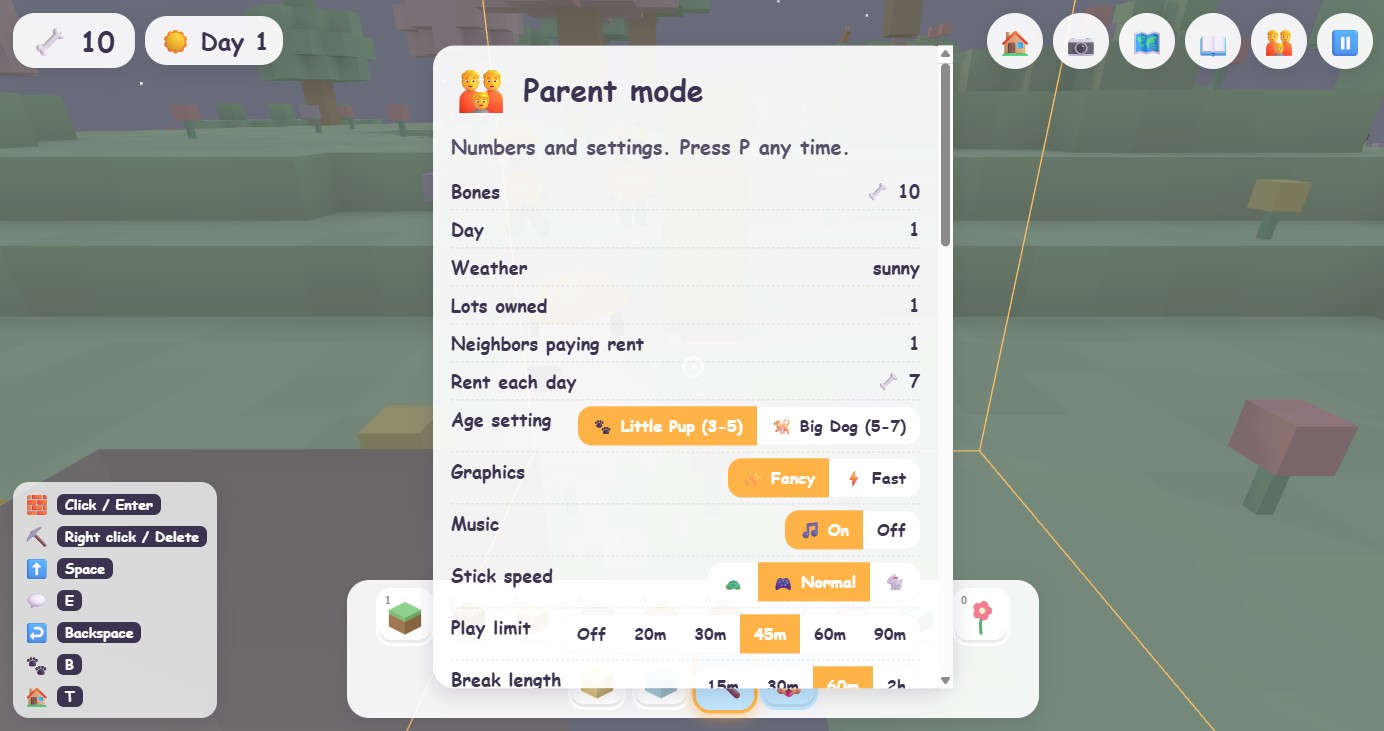
- Little Pup (ages 3 to 5): six big blocks, stamps, lots, rent and fixing, animals and games. No loans, no taxes, no selling.
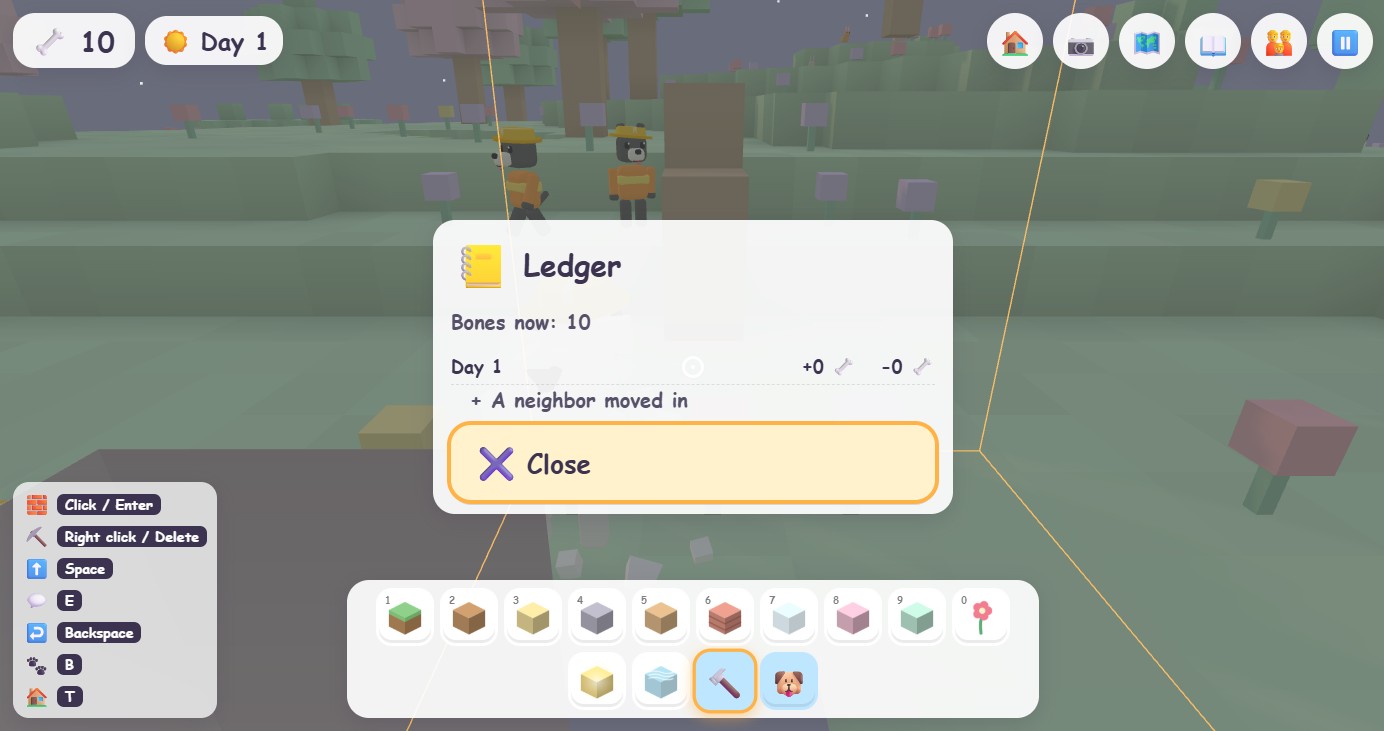
- Big Dog (ages 5 to 7): every block, plus loans from Penny the banker, a tax day every seventh day, selling lots, and the ledger.
Switch any time. Nothing is lost when you switch.
⏰The break timer
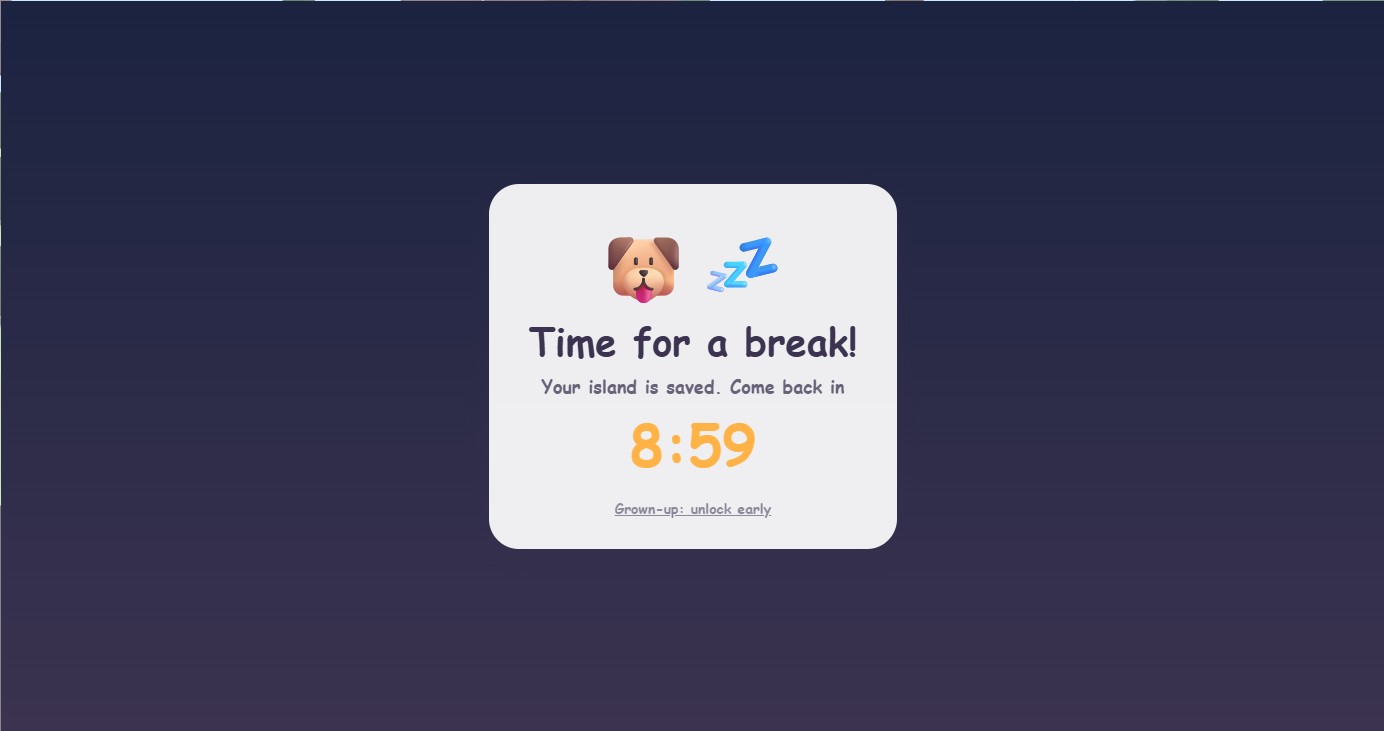
In parent mode set a play limit (for example 20 minutes) and a cooldown. Five minutes before the limit the game gives a gentle warning. When time is up, a sleepy dog and a countdown appear, and play pauses. Grown-ups can unlock early by answering a multiplication question. The timer remembers across restarts, so closing and reopening the game does not reset it.
🔒Safety, privacy, and what is not in the game
- No violence. Nothing can be hurt, there are no enemies, no weapons, no scary nights.
- No internet during play. No accounts, no chat, no strangers, no ads, no in-app purchases, no data collection. The game never phones home.
- Saves stay on your device. Parent mode has a one-tap backup file you can move to another device, and an import button to restore it.
- One price buys the whole game. Nothing is locked behind a purchase.
The full policy is at dirtdogkids.com/privacy.
🩺Health notes, breaks, and the seizure warning
Like every video game, Dirt Dog carries the industry's standard health precautions: play in a well-lit room at a comfortable distance, take a 10 to 15 minute break every hour, do not play when tired or at bedtime, and stop if eyes, hands or head feel sore. A very small number of people, more often children, can have seizures triggered by flashing lights or patterns in video games, even with no history of seizures. Dirt Dog avoids rapid flashing by design, but please read the full seizure warning and health notes before a child plays, and ask your pediatrician about screen use for your own child. The break timer in parent mode is a helper, not a substitute for a grown-up.
🎓What is the game built around? (And is it educational?)
Honest answer first: Dirt Dog is a game, not a learning program. We designed it around ideas we care about as parents, listed below, but we make no claims that it teaches them, and nobody has studied the game. Every child takes something different from play. If you want the research context, see our research note.
- Spatial play: stacking, planning, symmetry, building up and digging down.
- Cause and care: things wither if ignored, and fixing them pays. Neighbors stay when their home is nice.
- Money as a tool: bones come from work and rent, and they go on lots, stamps and helpers. Blocks are free, so money is never a wall between the child and play.
- Rules that apply to everyone: permits and zones, with a polite crew and an ask-first warning.
- Big Dog extras: borrowing and paying back, a tax that visibly improves the park, and value that rises when the neighborhood is cared for.
- Words: spoken guidance, signs to read, and a spelling helper.
🛠️Troubleshooting
The dog is stuck.
Press R (or Go home in the pause menu). The game also nudges the dog free by itself if it stops moving.
It runs slowly on our tablet or laptop.
The game switches to Fast graphics on its own when it notices low frame rates. You can also set it in parent mode.
There is no sound.
Tap or click the game once; browsers and tablets only start sound after a touch. Check the sound and voice toggles in parent mode, and the device's silent switch.
The mouse does not steer the camera.
Click the game once. Press Esc to release the mouse.
The touch buttons are missing on a tablet.
Touch the screen once and they appear. They can also be forced on in parent mode.
We want to start over.
Parent mode, then "Start a brand new island". Back up first with "Save backup" if you might want the old island back.
Windows says "unknown publisher".
That notice appears for any small publisher without a code-signing certificate. Choose More info, then Run anyway. The installer contains only the game.
Something else?
Email dirtdoggame@yahoo.com. A real person answers.
📝What's new (version 1.1.6)
- The city looks after itself: holes dug in roads and paths, chopped park trees and broken lamp posts stay for a while (caves are fun), then the city crew quietly puts them back, with no fine. Nearly ruined city shops and towers get patched too.
- A calmer voice: the dog no longer talks over itself or repeats a line it just said, helper tips come one at a time with a breath between them and never twice in a session.
- Clearer for grown-ups: a one-time health and safety card before first play (including the seizure warning), Health, Privacy and Terms buttons in About, and new Terms, Health & safety and research note pages on the website.
- Play anywhere: every purchase now has a family code that unlocks the full game on any iPad, tablet or phone at dirtdogkids.com/play, at home or away, with offline play after the first load.
- On a phone held upright, the title screen stacks neatly and the game suggests turning the phone sideways.
- The thank-you page after checkout can email you your download link, any time, so you can install later or on another computer.
- The Game House has a wide front door on the park side, and the map now drops you inside, right in front of the machines.
- Rabbit race flags always stand on open ground, never on top of a tree.
- Snake has a speed choice: tap the turtle or the rabbit (or press 1, 2, 3).
- Memory Match shows the cards and counts down 3, 2, 1 before it starts.
- Doggy Dress-up has a new drawn dog so hats, glasses and scarves sit where they should.
- Earlier in 1.1: stamps cost bones, repairs pay only for visibly withered buildings, permits ask first, and the desktop app shares the game to tablets at home.
Already bought it? Open the download page you were shown after checkout (or emailed yourself); it always serves the newest version. Lost it? Write to dirtdoggame@yahoo.com with the email you used at checkout.
💻 Buying and installing
📱Can my kids play on an iPad or phone away from home?
Yes. Every purchase comes with a family code (it looks like DD-XXXXX-XXXXX and is on the page you saw after checkout and in your download email). On the iPad, tablet or phone, open dirtdogkids.com/play, type the code once, then tap Share → Add to Home Screen (Android: menu → Add to Home screen). From then on Dirt Dog opens from the home screen like an app, keeps its own island on that device, and keeps working with no internet once it has loaded.
A code works on up to 6 devices. Got a new tablet and hit the limit, or lost the code? Write to dirtdoggame@yahoo.com with the email you used at checkout and we will sort it out. The home Wi-Fi Tablet link from the computer still works too; the family code is simply the version that travels.
🛒Where to get Dirt Dog, and what the demo includes
- Free web demo: play it right here with nothing to install. It has the park, the meadow and home, one cottage stamp, and a store screen every five minutes. Progress is saved in your browser.
- Buy direct (recommended): a one-time purchase from this site gets the Windows and Mac downloads and every tablet and phone on your home Wi-Fi, for one price. After paying you land on a download page; keep it bookmarked, the links work any time. Buying direct supports a family developer instead of the app stores.
- App Store and Google Play: the listings are awaiting approval. When they are live the buttons on the home page light up. They are separate purchases through Apple and Google.
The full game is the whole island: the city, the neighborhood, the forest, the lake, the river, the snowy mountain, the beaches, the ocean with friendly sharks, all 14 stamps, the Game House with ten games, neighbors who pay rent, and no time limit.
How does the tablet part work?
Install Dirt Dog on the computer and it shares the game with your home network. Open parent mode (press P or tap 👪) and read the Tablet link at the top; it looks like http://192.168.1.20:8080. Type that into the browser on the iPad, tablet, or phone while it is on the same Wi-Fi and the computer is on, then use "Add to Home Screen" so it opens like an app, full screen with touch controls. Each device keeps its own island. Nothing leaves your house and no internet is used.
Can we play offline?
Yes. Once installed, the desktop and tablet versions never need the internet.
Can two children share one device?
The game keeps one island per device today. Use the backup button in parent mode to keep a second island as a file and swap between them.
Refunds?
If Dirt Dog does not work on your device, email support and we will make it right.